

Create Application
1. Introduction
An application serves as a container for table modules, dashboards, workflows, etc. It displays these created modules and provides operation methods. Therefore, let's first create an application before creating table modules, dashboard modules, etc.
2. Application Creation Process
2.1 Log in to the Informat Platform
Access the login page of the Informat platform, enter your account and password, and access the workbench. 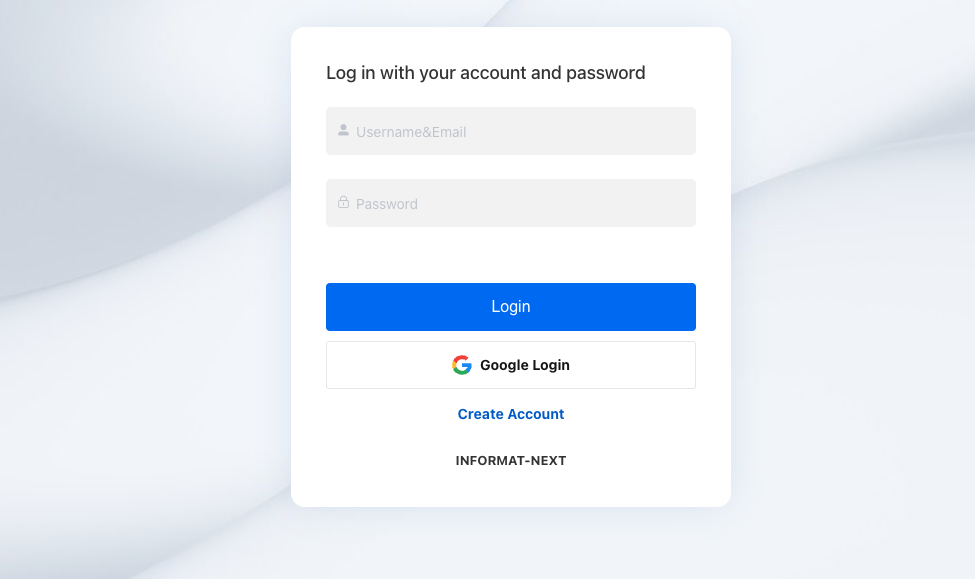
2.2 Enter Application Management Module
In the left menu bar of the workbench, switch to the application management module. 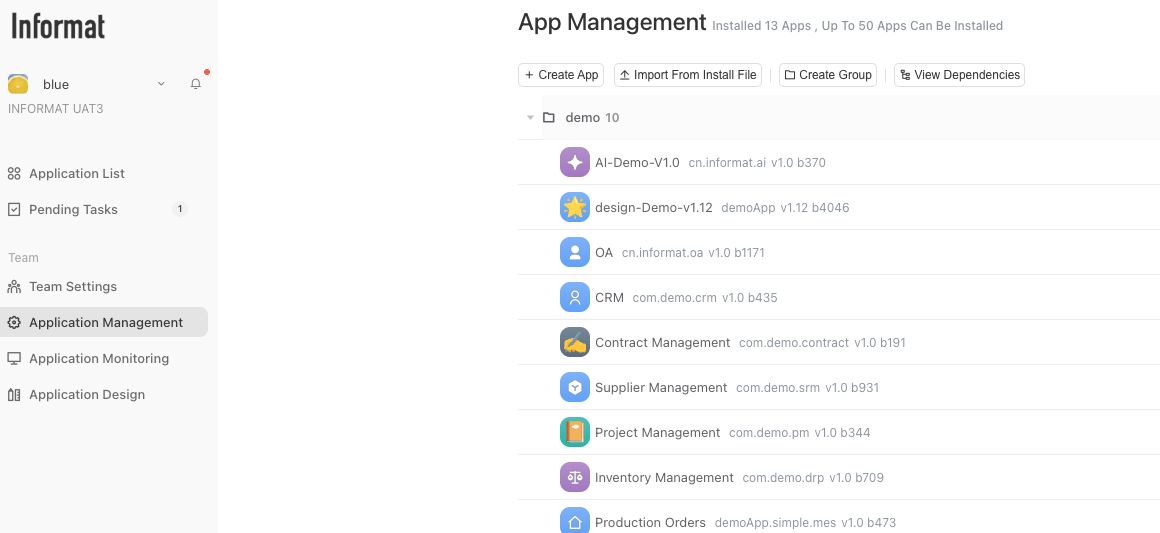
2.3 Create Group
In the application management module, first create a group to manage our APPs. 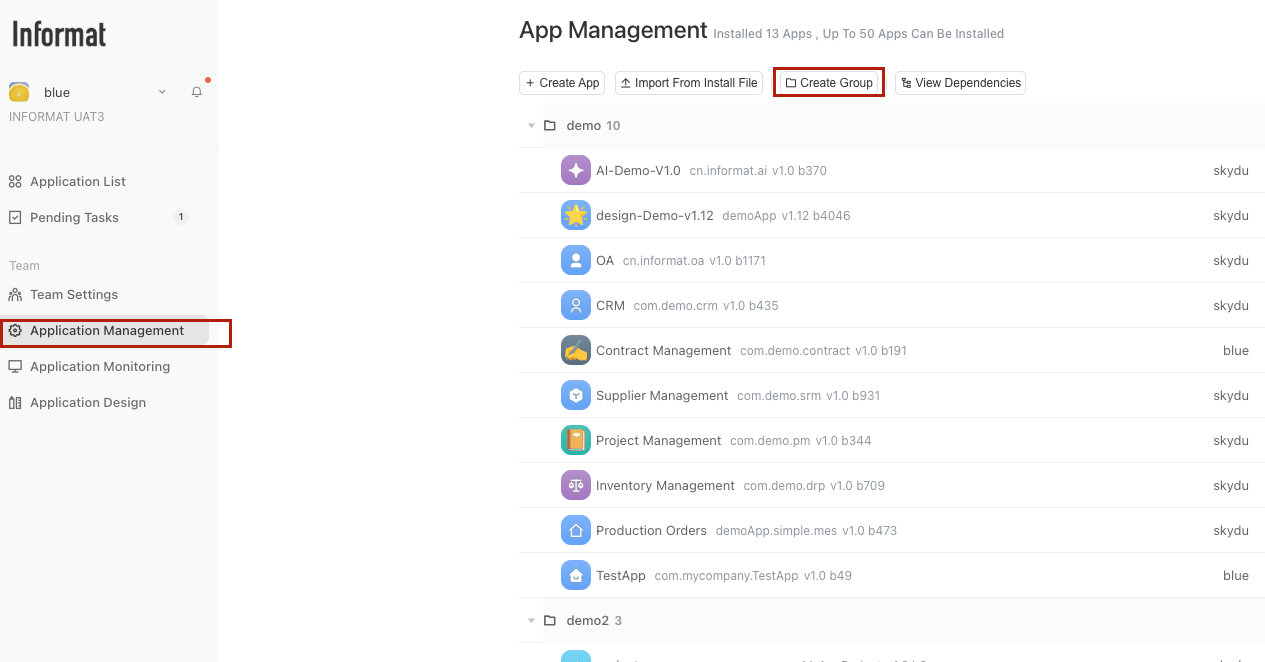
2.4 Create Application
Under the created group, create an application. 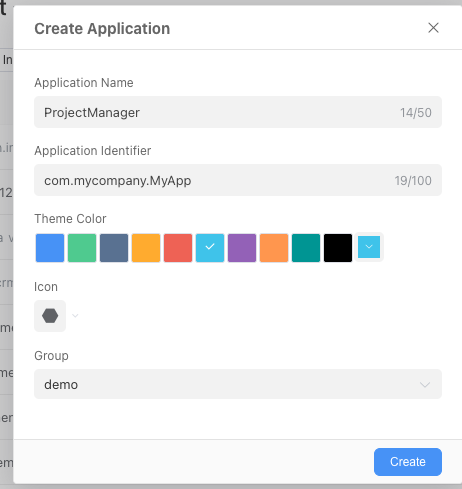
2.5 Access Application
Enter the application list module and access the created application. 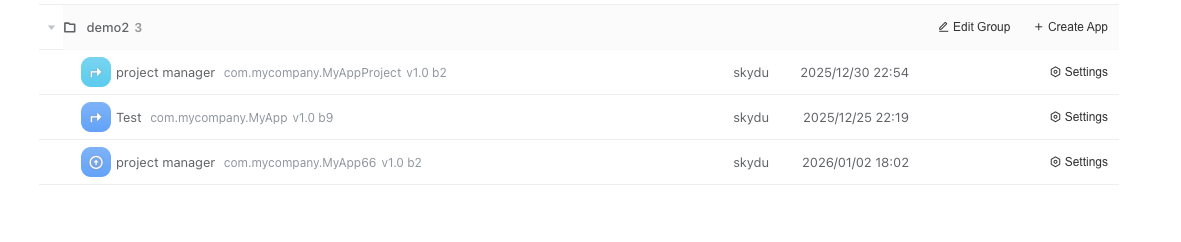
3. More
After creating the application, we can create workflows, data tables, dashboards, etc. within the application: