Card View
Overview
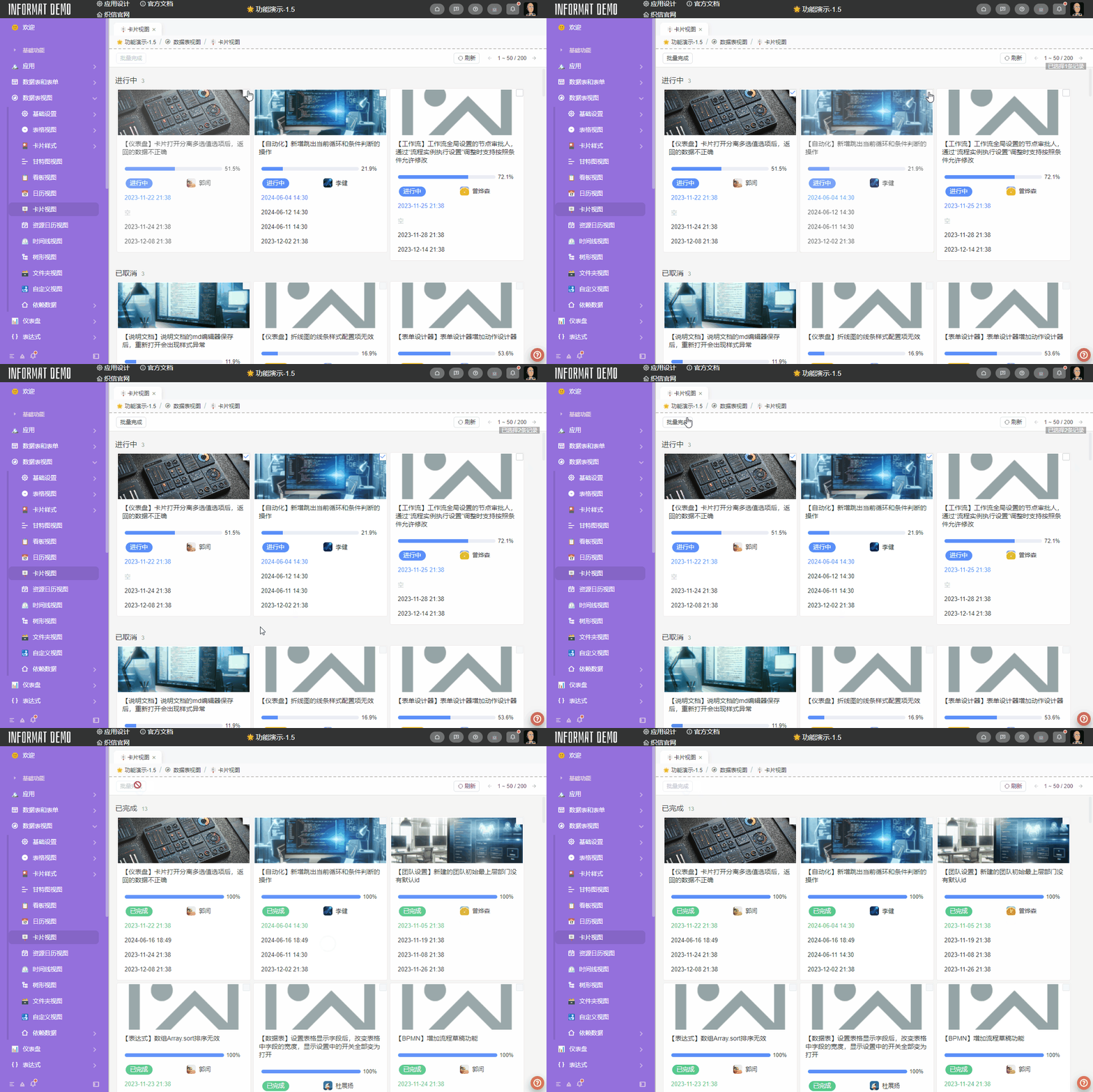
The Card View displays data in card form, where cards can show covers and fields.
Settings
| Setting | Description |
|---|---|
| Selection Mode | Sets the selection mode of cards. Options: None, Checkbox, Single Selection |
| Set records that meet the following conditions as non-selectable | Configurable when the selection mode is Checkbox or Single Selection. If the expression result returns true, the record cannot be selected. |
| Grouping Field | Groups by field data as the group name display of cards. No grouping if not set. |
Card Style
Style settings for the card part of the view, supporting multiple card rendering methods.
Since other views also use this configuration, it is uniformly explained in the Card Style chapter.
Example
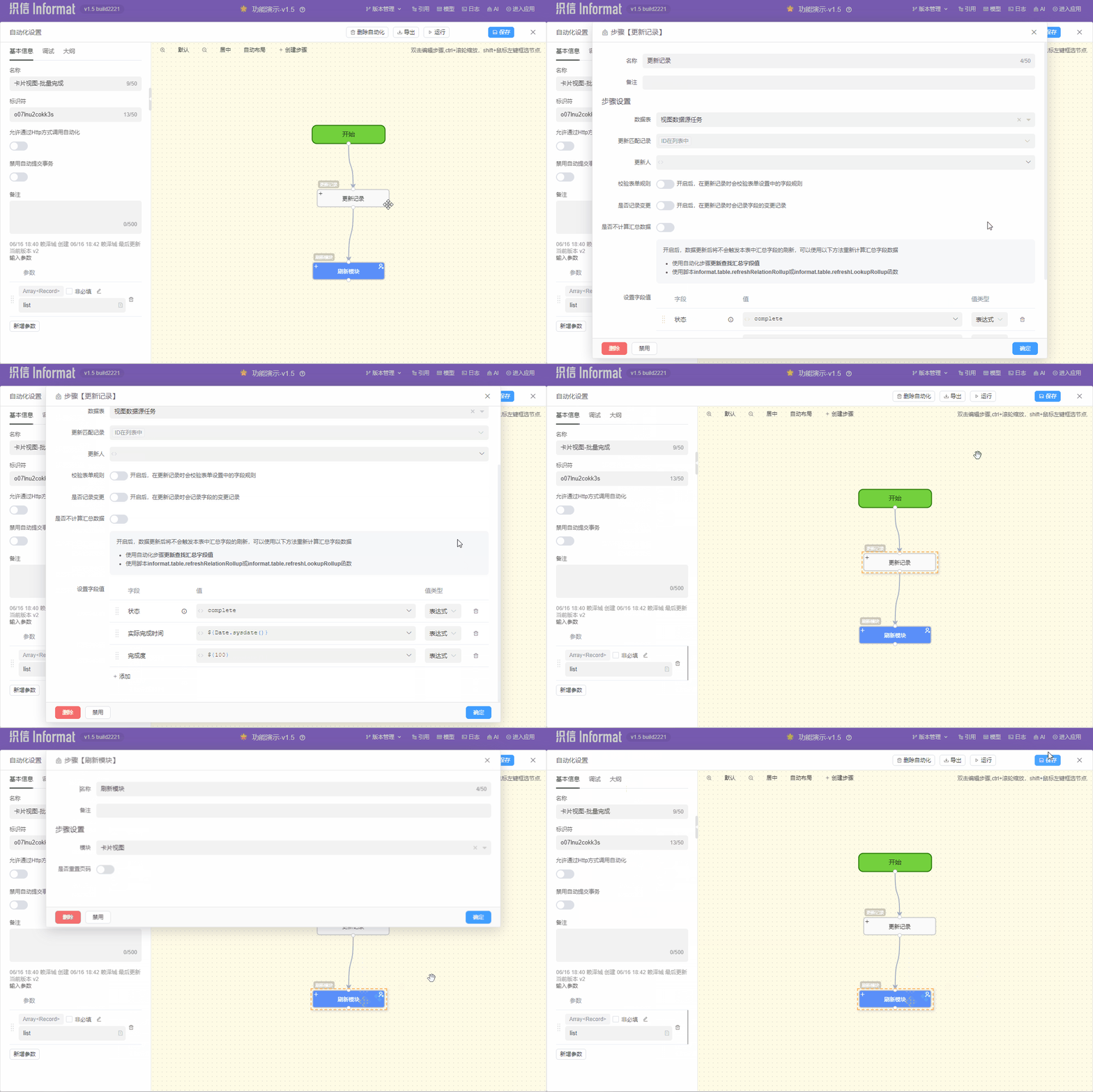
In the following, we will demonstrate the card view's capabilities using a batch task completion scenario in task management.