Option Value Dictionary
Overview
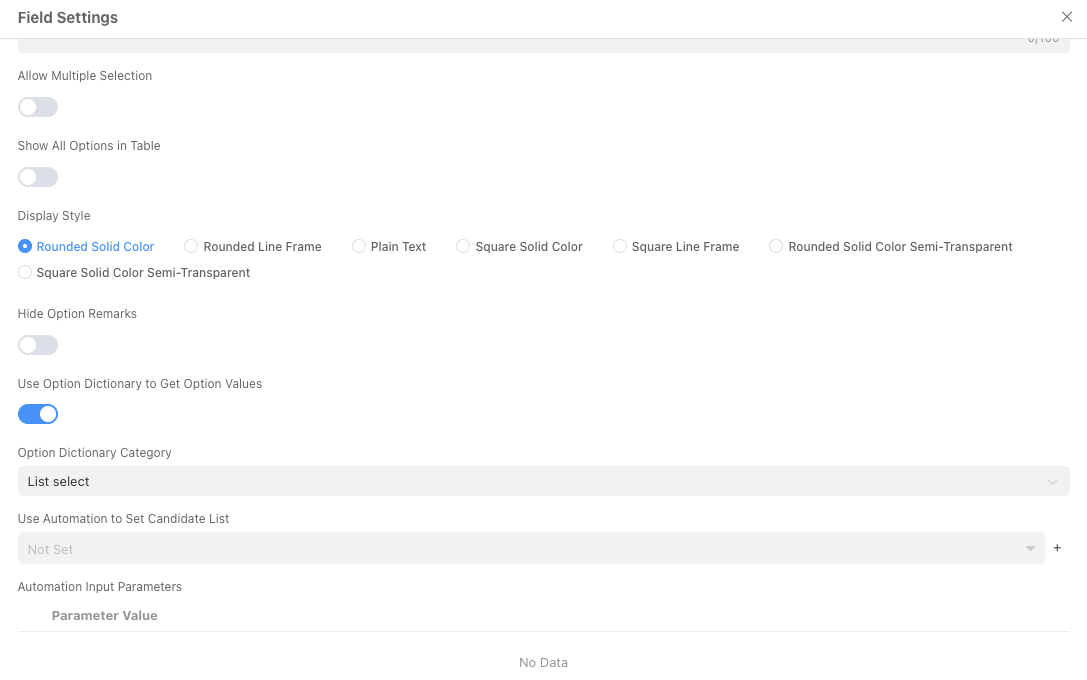
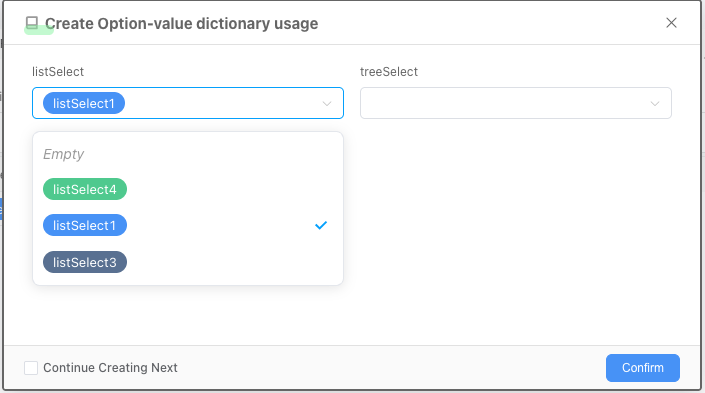
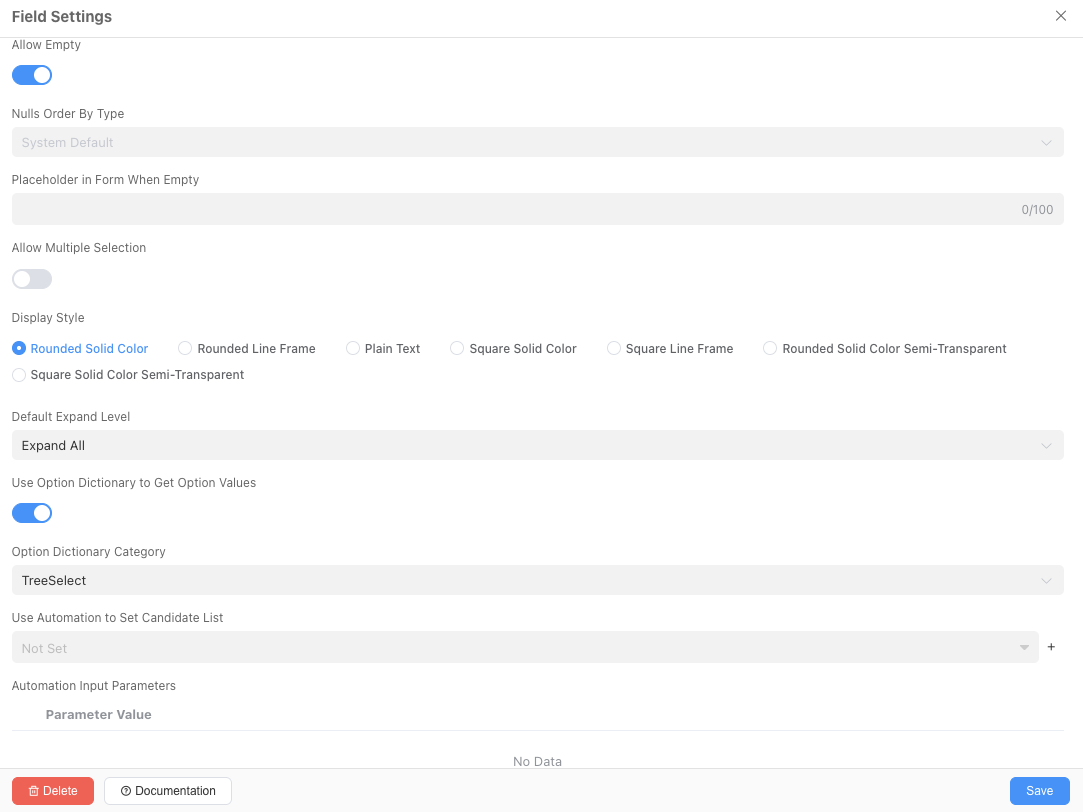
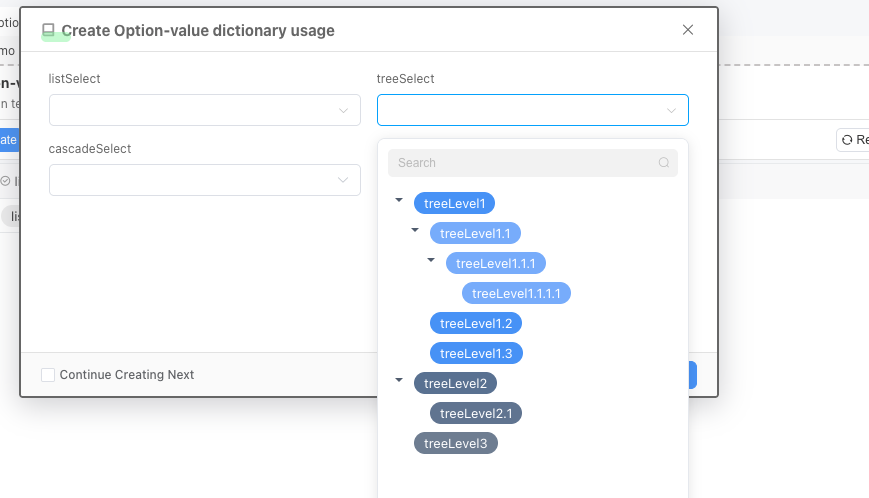
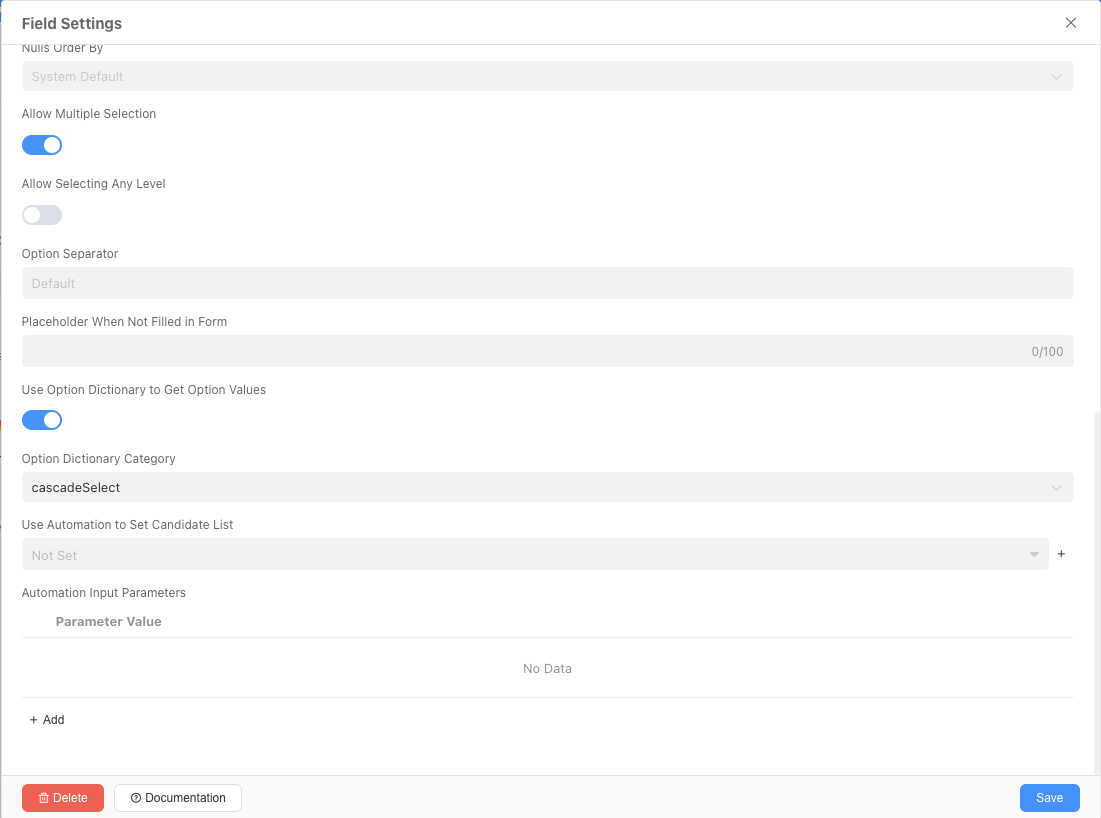
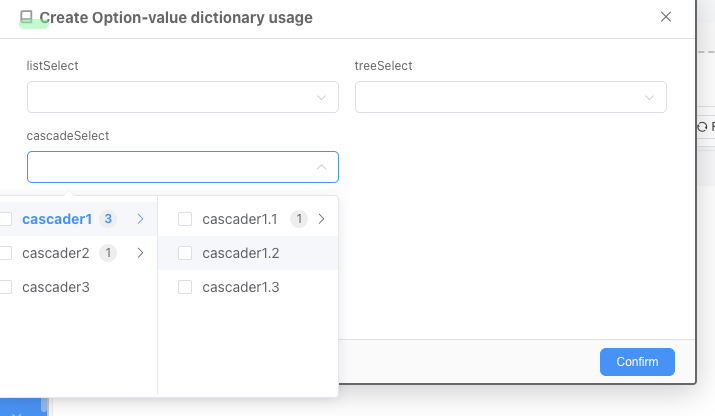
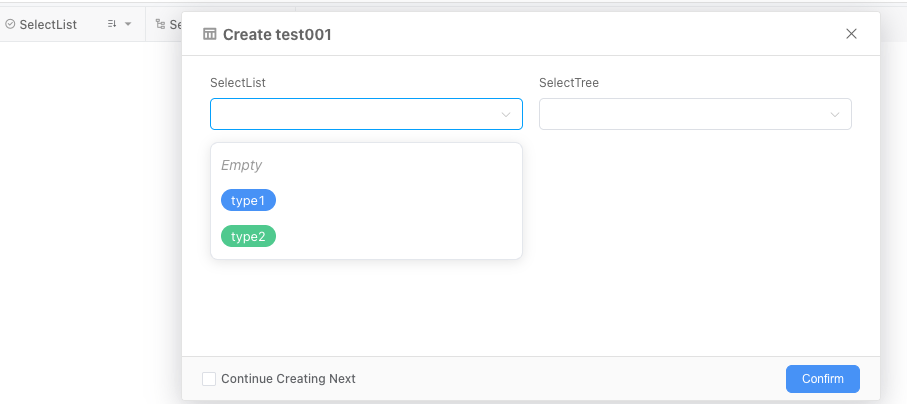
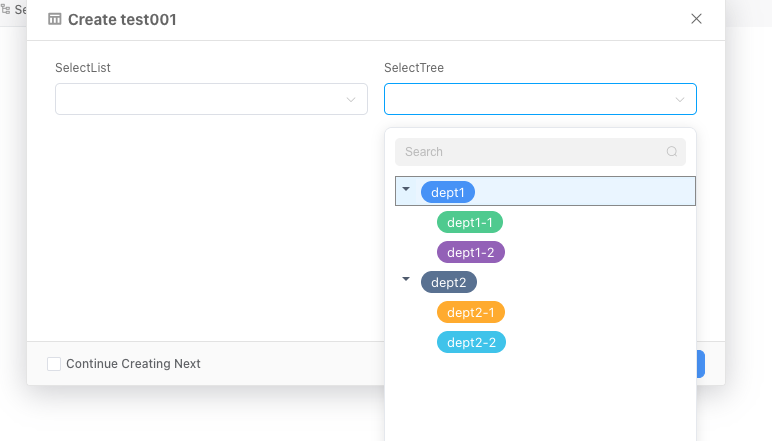
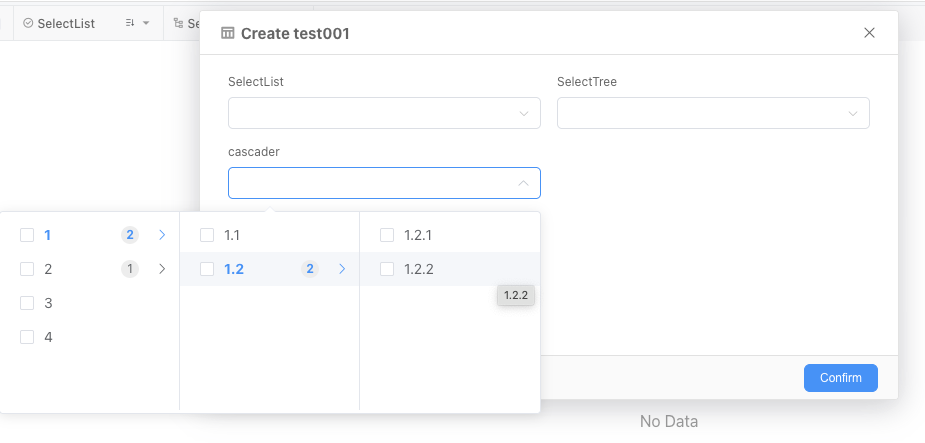
When designing models, fields of type List Selection, Tree Selection, and Cascader Selection all need to set option values. In complex systems, different models may share the same set of option values, which requires maintaining multiple copies of the same option values when setting fields, increasing workload and making maintenance inconvenient. Informat's Option Value feature provides global option value settings. Option values can come from fixed configurations or from a data table.
Note
If the option value dictionary changes, users can get the latest option values after re-entering the module.
Concept Explanation
Classification
A tag for associating option values. When applying data table fields, you only need to select a category, and the system will automatically display the corresponding data interaction based on the option values under the category and field settings.
Note
After the classification of the option value dictionary is configured in the designer, it will not change according to changes in external data sources.
Option Values
Data items displayed when users operate fields to select data.
Description
Option value data sources support Fixed Configuration from the designer or from Data Tables.
Data Sources
Default Data Source
Note
Color identifiers support hex, rgb, rgba, etc. For details, please refer to Color.
Data Table Data Source
In some business scenarios, option values will change as the business develops, such as adding, disabling, modifying, and deleting options.
For options from a data table data source, the corresponding data table needs to have the following structure:
| Identifier | Name | Type | Remark |
|---|---|---|---|
| name | Name | Single Line Text | Required |
| category | Category | List Selection | Required, Single Selection |
| identifier | Identifier | Single Line Text | Required |
| selected | Default Selected | Checkbox or Switch | |
| isDisable | Disabled | Checkbox or Switch | |
| color | Color | Color | |
| sort | Sort | Integer | |
| parentNode | Parent Node | Single Line Text | |
| remark | Remark | Single Line Text |
Import Template
If you use the recommended data table model definition, you can use the import template to quickly import data.