Checkbox or Switch
Description
| Item | Content |
|---|---|
| Category | Control Class |
| Sortable | Yes |
| Filterable | Yes |
| Supported Filter Types | Equal, Not Equal, Empty, Not Empty |
Settings
| Setting | Description |
|---|---|
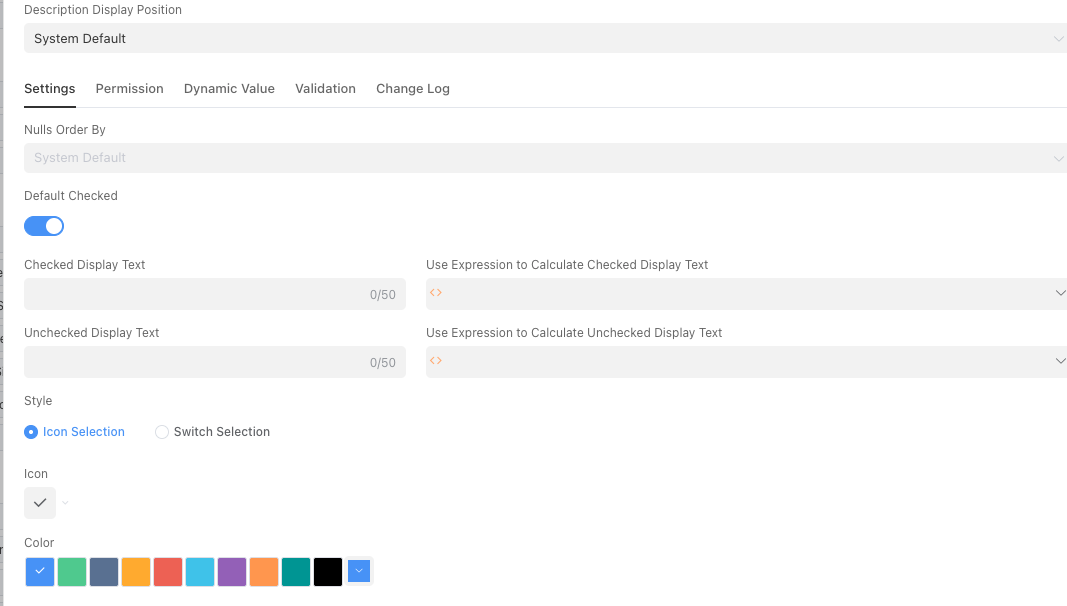
| Default checked | When enabled, it will be selected by default (true) |
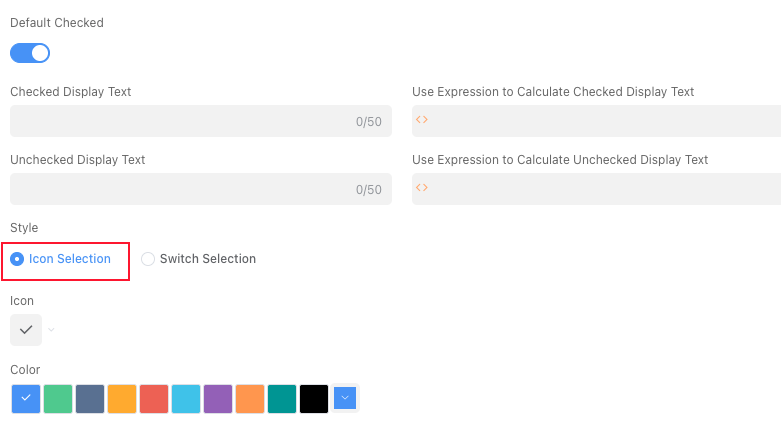
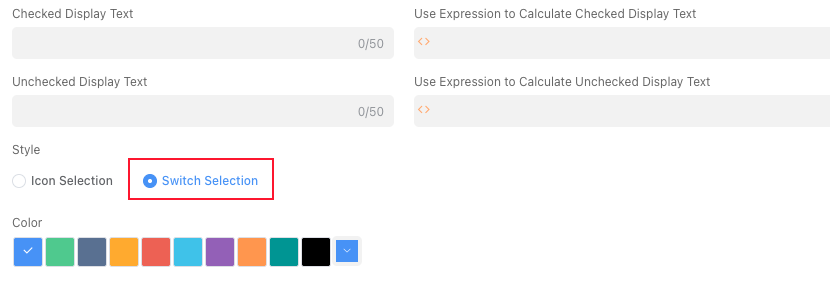
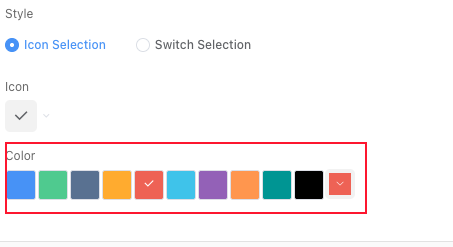
| Style | Can set the style of this field Options: Icon Selection、Switch Selection |
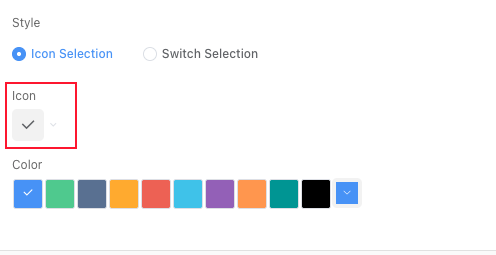
| Icon | Can set the icon in the checkbox. Only displayed when style is Icon Selection |
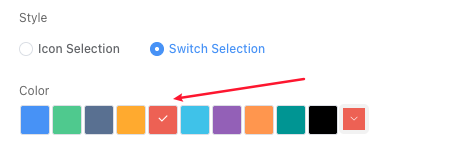
| Color | Can set the color of the control |
Database Storage Format
| Field Type | Description |
|---|---|
| bool | Stores Boolean type data |
Usage Examples
Display Effect