

Recycle Bin
Overview
The Recycle Bin module can temporarily store deleted records from specified data tables.
Configuration Instructions
Users can set the data retention period themselves.
| Parameter | Type | Description |
|---|---|---|
| Data Retention Days | Integer | Recycled data exceeding the retention period will be automatically deleted |
Enabling Recycle Bin for Data Tables
Configuration Path:
Application Designer => Data Table Module => Form Settings => Behavior When Records Are Deleted
- Turn on the
Store in Recycle Bin After Deletionswitch - Select the display name for records in the recycle bin
Record Recovery and Clearing
The recycle bin module on the application side can delete or restore deleted records. 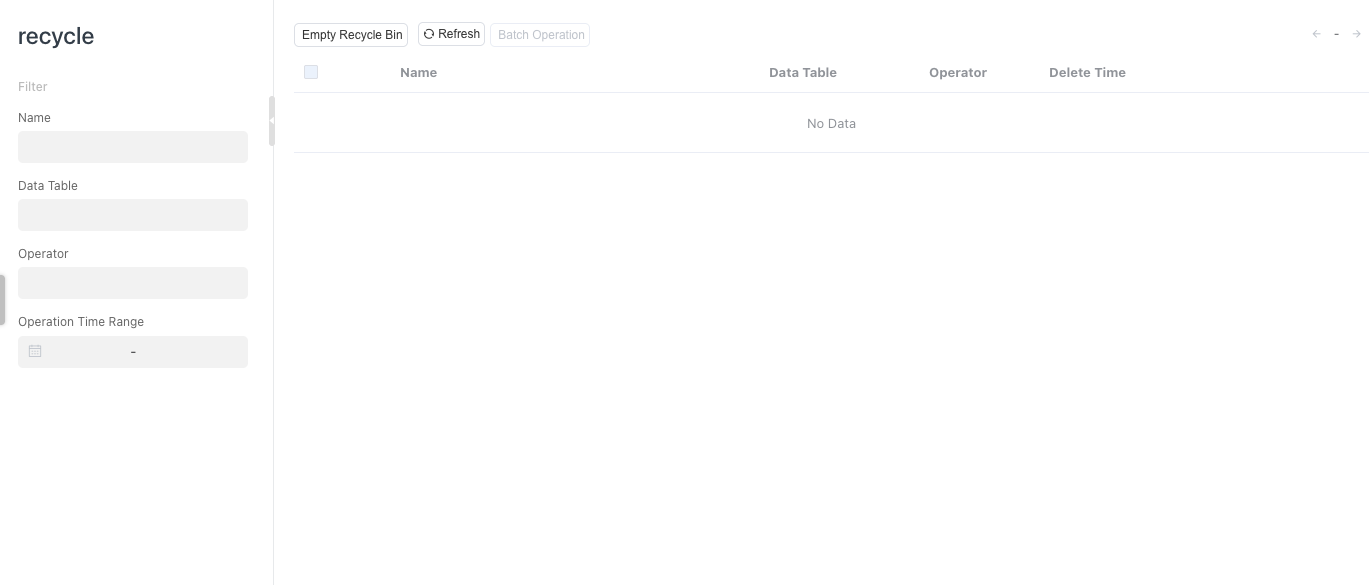
Effect Demonstration
TIP
If using the script informat.table.batchDeleteRecord to delete data table records, they will not be placed in the recycle bin.