Open Form Designer Form
Overview
Open a specific page of the form designer form in a dialog box.
Parameter Configuration
| Parameter | Description |
|---|---|
| Module | Form designer module where the form originates. |
| Form | Form to be used. |
| Form Title | Title content of the dynamic form window to be opened. Expressions can be used to obtain context variables for dynamic content. |
| Dialog Distance from Top | Distance from the top of the display dialog box. Expressions can be used to obtain context variables for dynamic content. |
| Dialog Width | Width of the dialog box popup. Supports both pixel and percentage formats. |
| Dialog Height | Height of the display dialog box. Expressions can be used to obtain context variables for dynamic content. |
| Display as Modal Window | Set whether the opened form creation page is modal. |
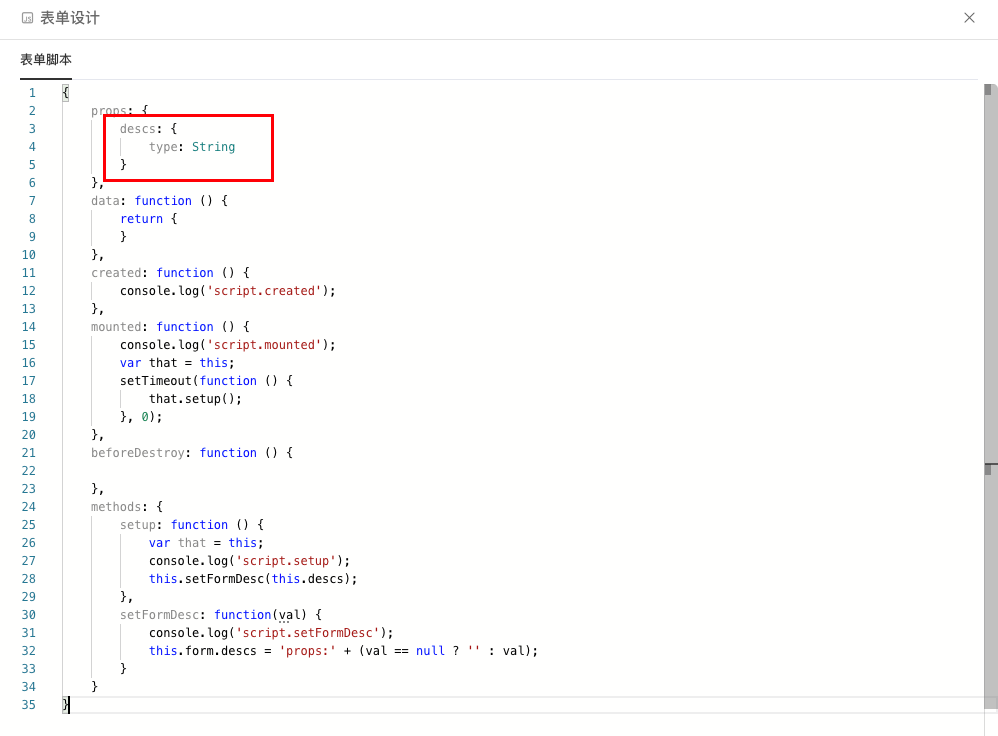
| Form Parameters | Data passed to the props attributes of the form. Expressions can be used to obtain context variables for dynamic content. |
| Form Data | Data passed to the form property in the data of the form. Expressions can be used to obtain context variables for dynamic content. |
| Display Submit Button | Whether to display the submit button. |
| Submit Button Text | Text of the submit button. Expressions can be used to obtain context variables for dynamic content. |
Notes
For form designer usage, please refer to Form Designer Guide.
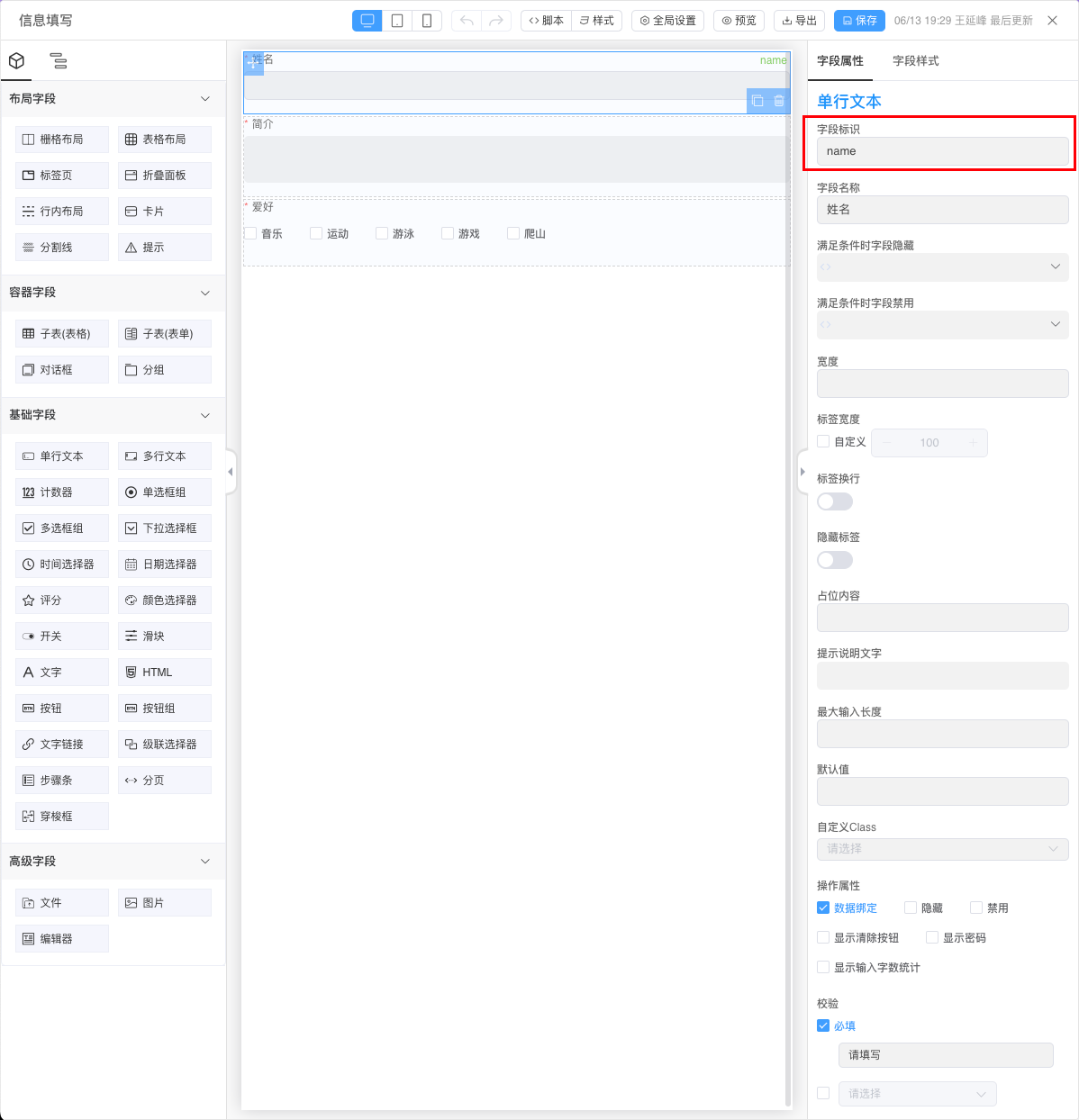
Form Parameters: Must be an object type, where keys in the object correspond one-to-one with props in the form.
Form Data: Must be an object type, where keys in the object correspond one-to-one with field identifiers in the form.