User Selection
Description
| Item | Content |
|---|---|
| Category | Control Class |
| Storage Type | TableAccountSimple,Array<TableAccountSimple> |
| Sortable | Yes |
| Filterable | Yes |
| Supported Filter Types | Contains, Does Not Contain, Equal, Not Equal, Empty, Not Empty, In List, Not In List |
Settings
| Setting | Description |
|---|---|
| Allow empty | Set whether the field is required |
| Multiple selection | When enabled, the user selection will support multiple selection. Enabling multiple selection will change the field's storage type |
| Placeholder in form when not filled | Text information displayed in the input box when no information is entered in the field |
| Use current user as default value | When enabled, the current operating user will be used as the default value |
| Data source | Can set the data source for option values Options: Application Members、Team Members |
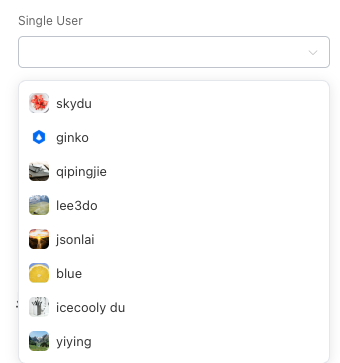
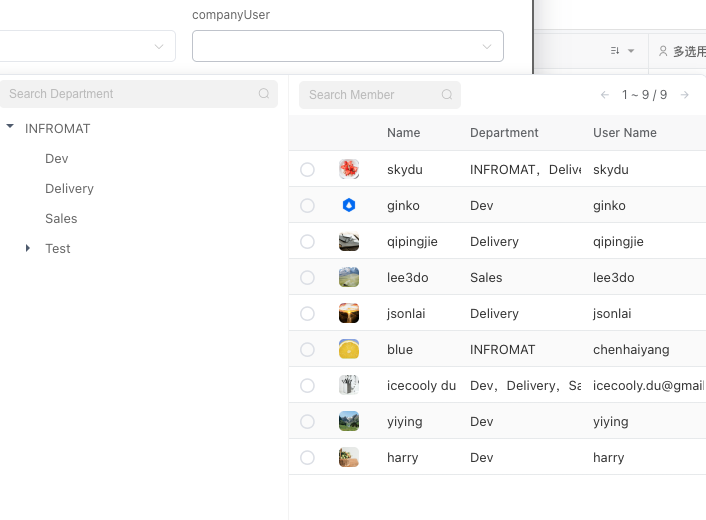
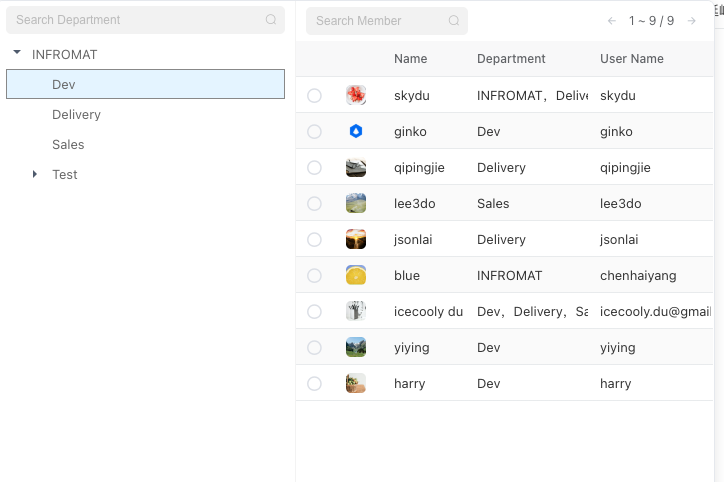
| Selector style | Can set the style of the selector when displaying options, only displayed when the data source is Team Members Options: List、Department Tree and Member List |
| Select selection range | When the data source is Application Members, after enabling, you can limit the range of selected user members through Application Roles |
| Display style | Can set the display style of field content Options: Avatar and Name、Avatar、Name、Plain Text |
| Use automation to set candidate list | Support using automation to filter the set option values |
| Automation input parameters | Parameters that can be passed when calling automation to calculate candidate values |
Note
Because single selection and multiple selection have different storage types, enabling/disabling multiple selection may cause data loss, so please operate with caution
Database Storage Format
| Field Type | Description |
|---|---|
| jsonb | Stores JSON format data, JSON data structure is shown below |
In the data table, user selection field data is stored in JSON format. If it is multiple selection, it is stored as a JSON array. The JSON structure is as follows:
ts
interface TableAccountSimple {
  id: string; //ID
  name: string; //Name
  avatar: string; //Avatar
}