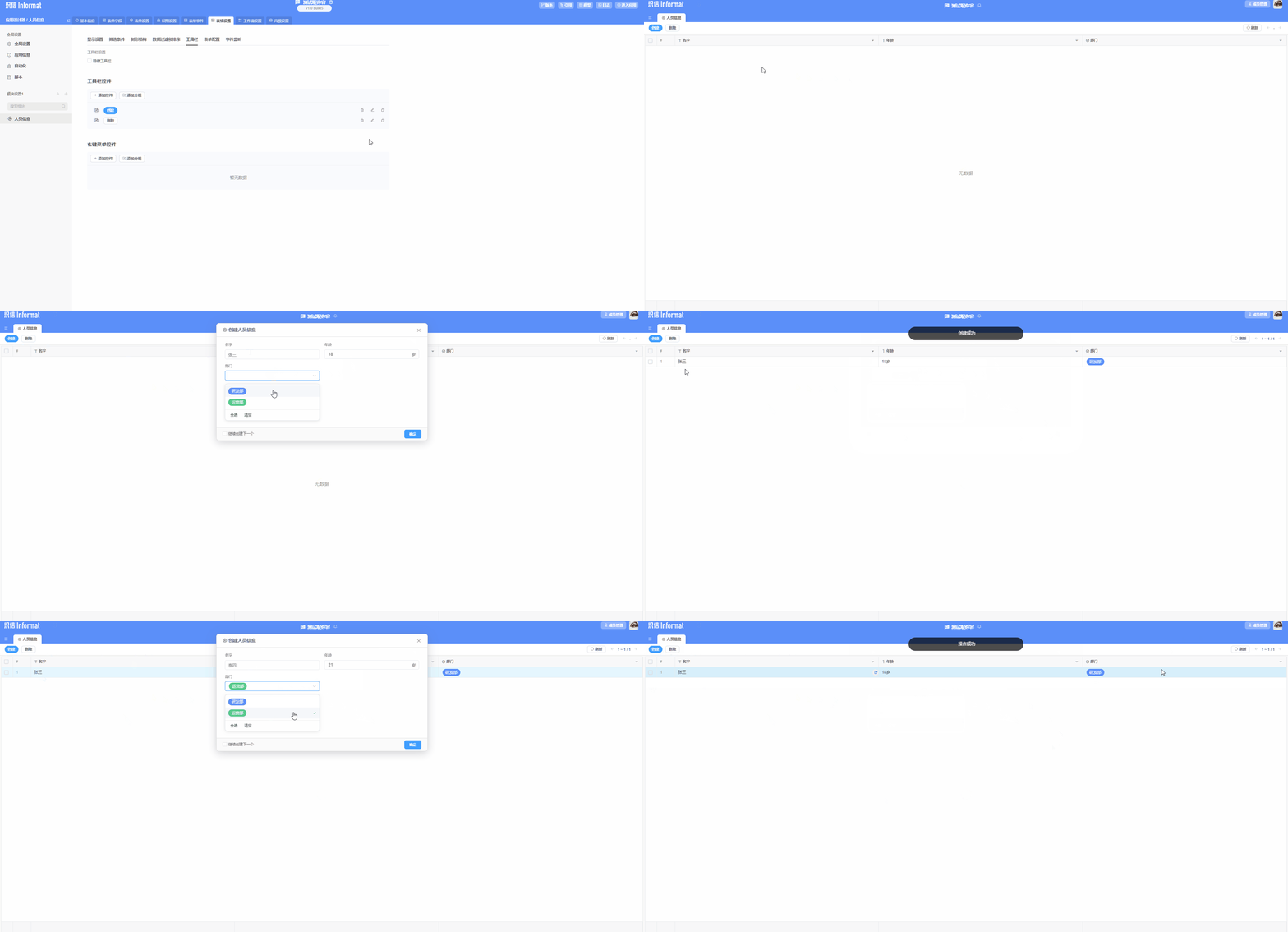
Create Data Table Module
1. Introduction
The data table module provides a visual interface that allows users to easily create, modify, and manage data tables; it enables users to define table structures, field types, and relationships, and provides functions for data input, query, and update to store and manage the data required by applications.
2. Process of Creating a Data Table Module
2.1 Enter Application Designer
Access the application design module, select the application to be designed, and enter application design. 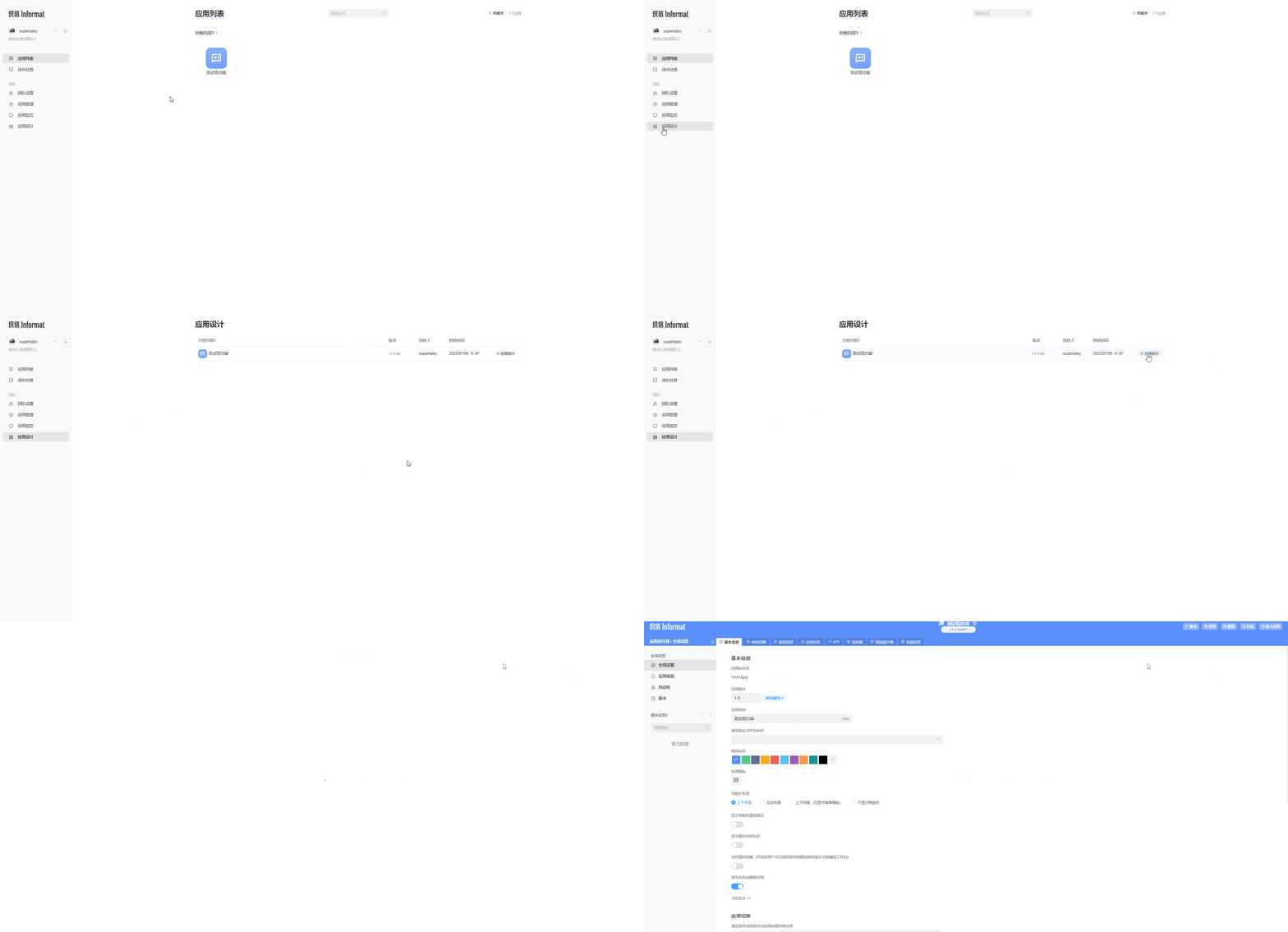
2.2 Create Data Table Module
In the module settings on the left side of the application designer, click the add icon, and select Data Table Module in the pop-up window to create it. 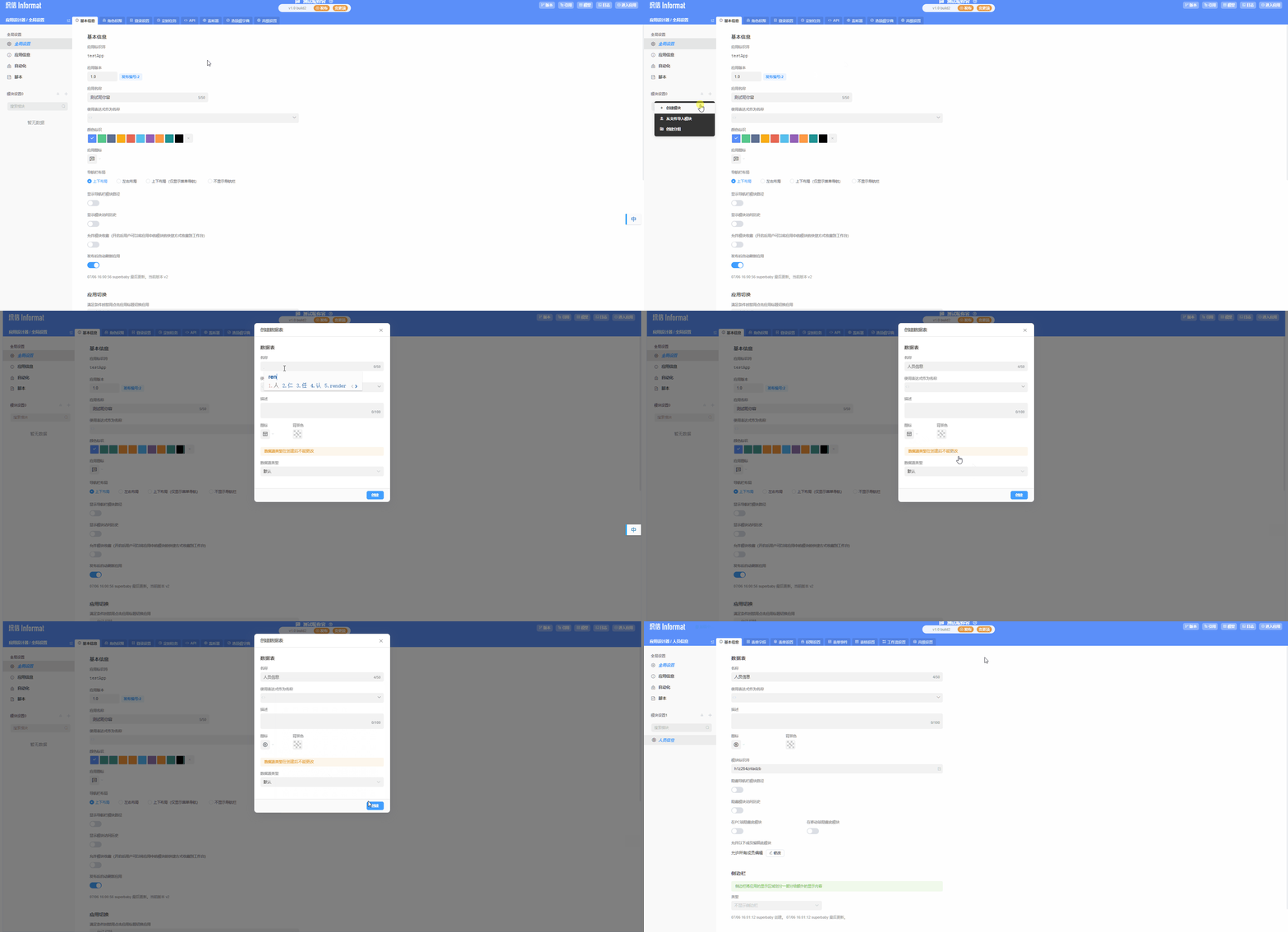
2.3 Create Data Table Fields
In the created data table module, click the Form Fields tab to access the field configuration page, and add the fields required for our module. 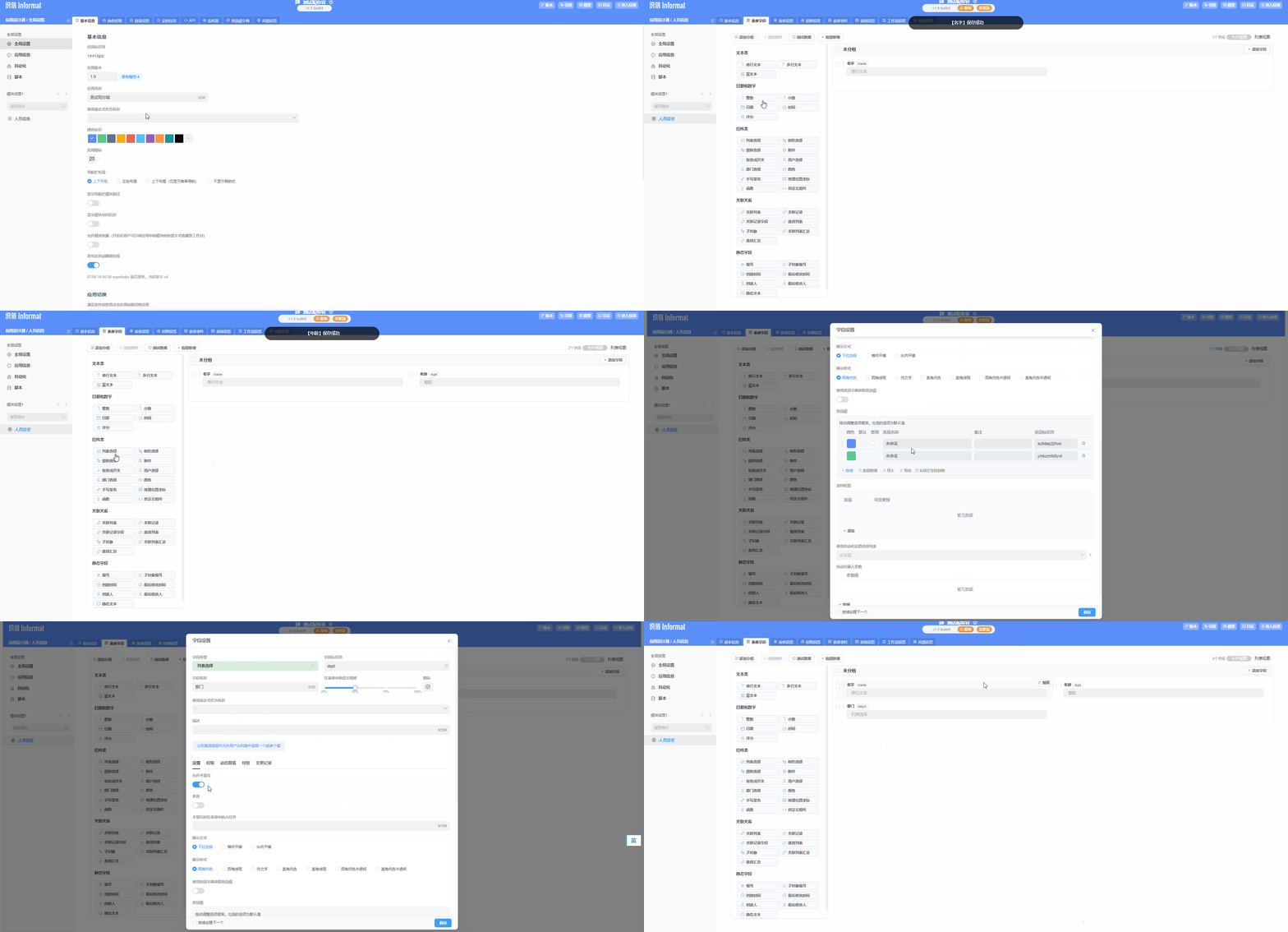
2.4 Configure Table Display Information
Under the table settings of the data table module, configure the display content and operation controls of the table module in the application. 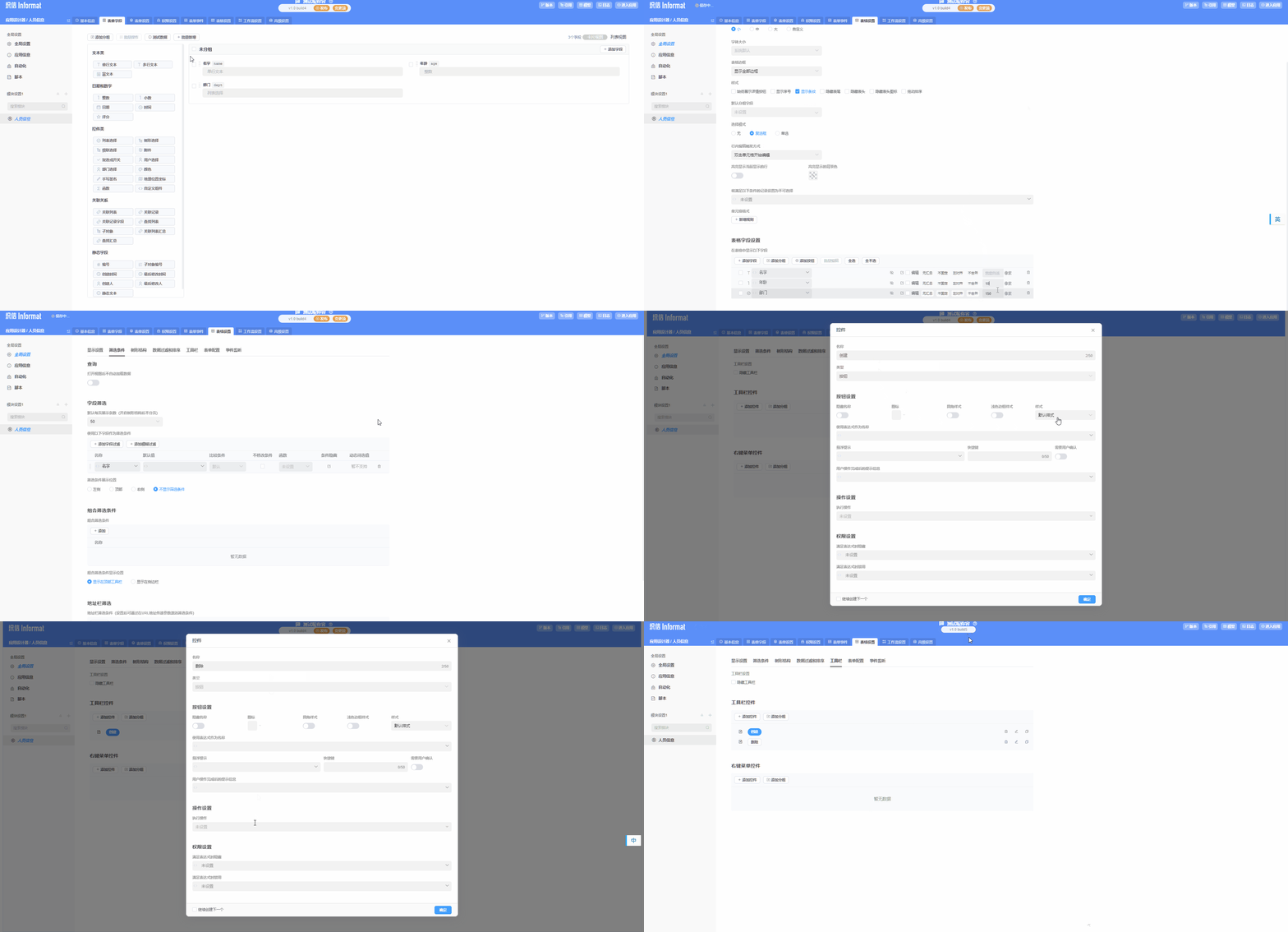
2.5 Enter Application to View Created Table
Enter the application to view the configured field information and controls.