

Inter-application Dependencies and Communication
Overview
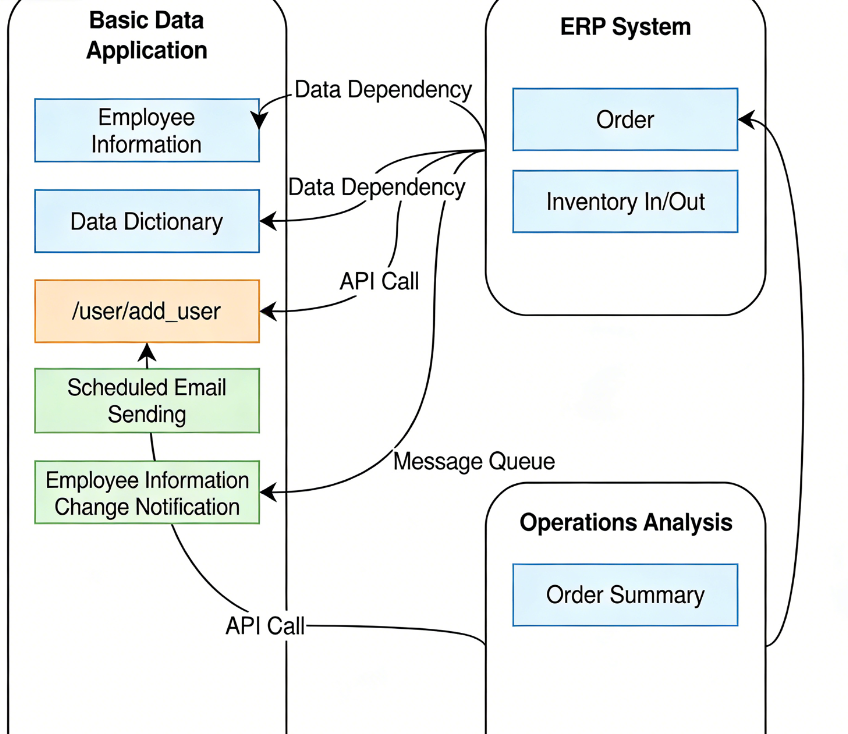
Large systems typically have dependencies between them. For example, in manufacturing, an ERP system may depend on employee information and data dictionaries from a basic data system, and may need to call APIs to add employees. In Informat, you can communicate between applications through three methods:
- Data table dependencies
- Event listening
- API calls
Data Table Dependencies
Informat provides data table export functionality to implement data dependencies between applications.
Suppose System A has a user table user with the following structure:
| Field | Type | Description |
|---|---|---|
| name | Single Text | User Name |
| department | Department Selection | User Department |
System B has an order table task with the following structure:
| Field | Type | Description |
|---|---|---|
| id | Single Text | Order Number |
| owner | Associated Record | Task Owner |
The owner field in the task table needs to be associated with the user table. This is a typical cross-system data dependency scenario. In traditional development, System B would create an identical user table and periodically synchronize data from System A's user table. This synchronization can be based on interfaces or databases.
To implement similar functionality in Informat, you only need to set the user table in System A to allow access by other applications, then create a new data table in System B with the data source type set to From Other Application. This way, other modules in System B can access this virtual user table.
Note
Virtual table data can be added, queried, deleted, and modified like regular data tables, and you can also create views for virtual tables to view data.
Event Listening
Publishing events between applications is also a common requirement. For example, after an order is successfully placed in the Order System, it needs to notify the Production System to schedule production. In Informat, you can use the Publish Application Event step in Automation to send an event. Systems that need to listen to this event should add an event listener in the Listeners module of the application settings, selecting Events Published by Other Applications as the event type to listen for.
Note
Event publishing and listening are synchronous. If the automation program processing the event fails, the system will automatically roll back all transactions.
API Calls
Of course, you can also implement communication through inter-application API calls, which is similar to traditional development processes and will not be explained here.
Data Table Dependencies Example
Suppose Application A (testa) has a User Table user with the following structure:
| Field | Type | Description |
|---|---|---|
| name | Single Text | User Name |
| department | Department Selection | User Department |
| sex | List Selection | User Gender |
Application B (testb) has a Task Table task with the following structure:
| Field | Type | Description |
|---|---|---|
| taskNo | Single Text | Task Number |
| description | Rich Text | Task Description |
| owner | Associated Record | Task Owner |
Set Other Application Access control items for the data table in Application A:
In the designer, open the
Advanced Settingsof the User table and enable Allow other applications to query data from this tableAfter enabling,
Allow Data Deletion,Allow Data Update, andAllow Data Additioncan be adjusted based on usage needs.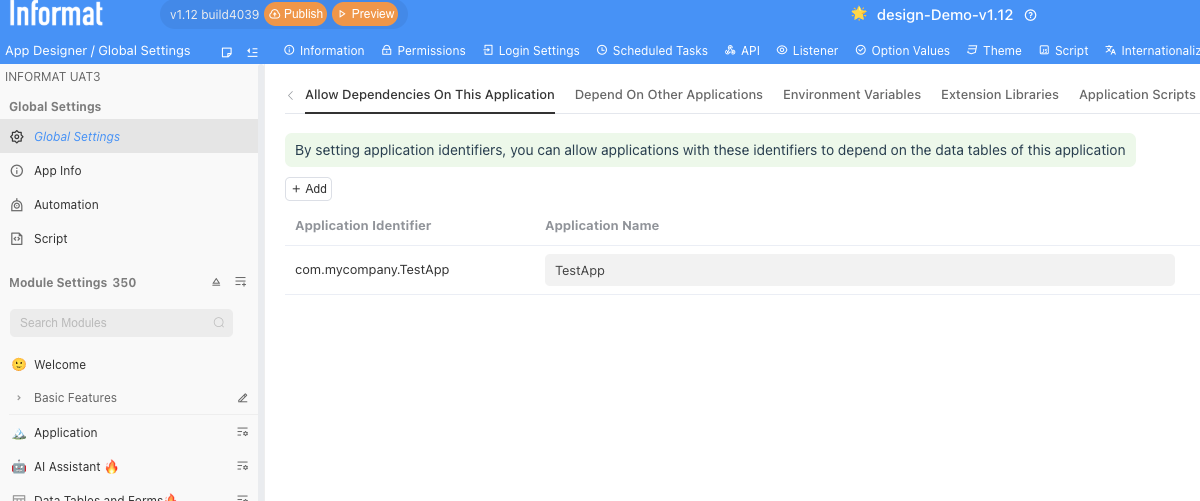
Open the
Advanced Settingsunder Global Settings in Application A, and add Application B (testb) to Allow the following applications to depend on this applicationEnter test data in the Application A user interface
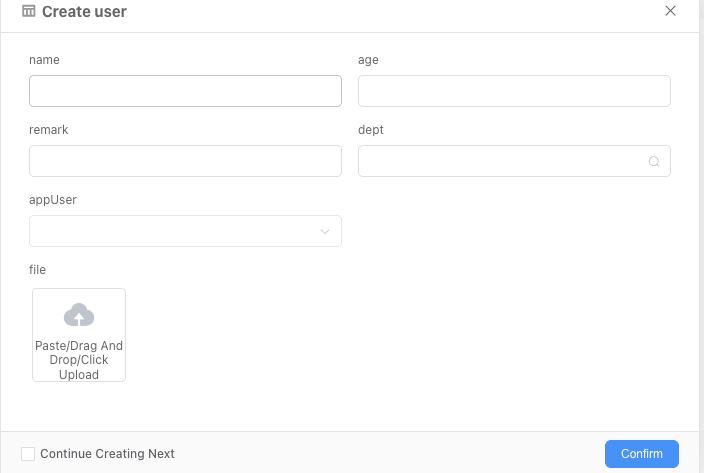
Create a dependency on Application A's user table in Application B:
Open the
Advanced Settingsunder Global Settings in Application B, and add Application A (test) to Dependent ApplicationsCreate a data table module in Application B, selecting Data Table from Other Application as the data source
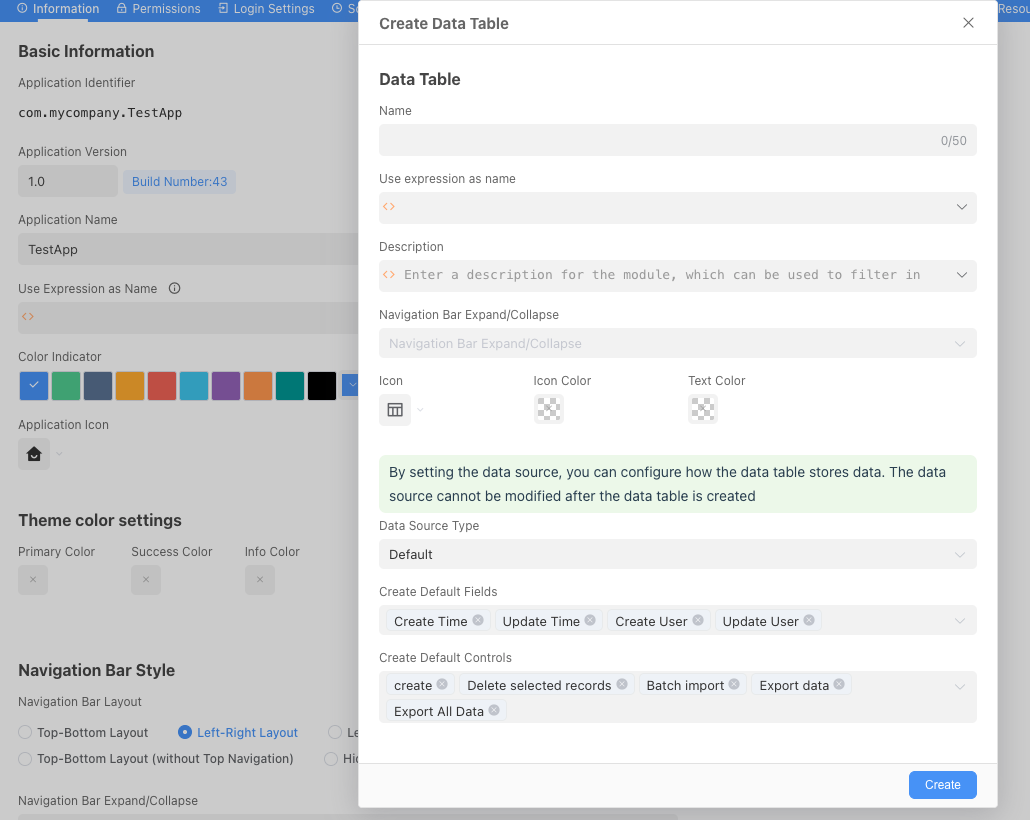
Complete the Task Table
taskform by adding the Task Owner field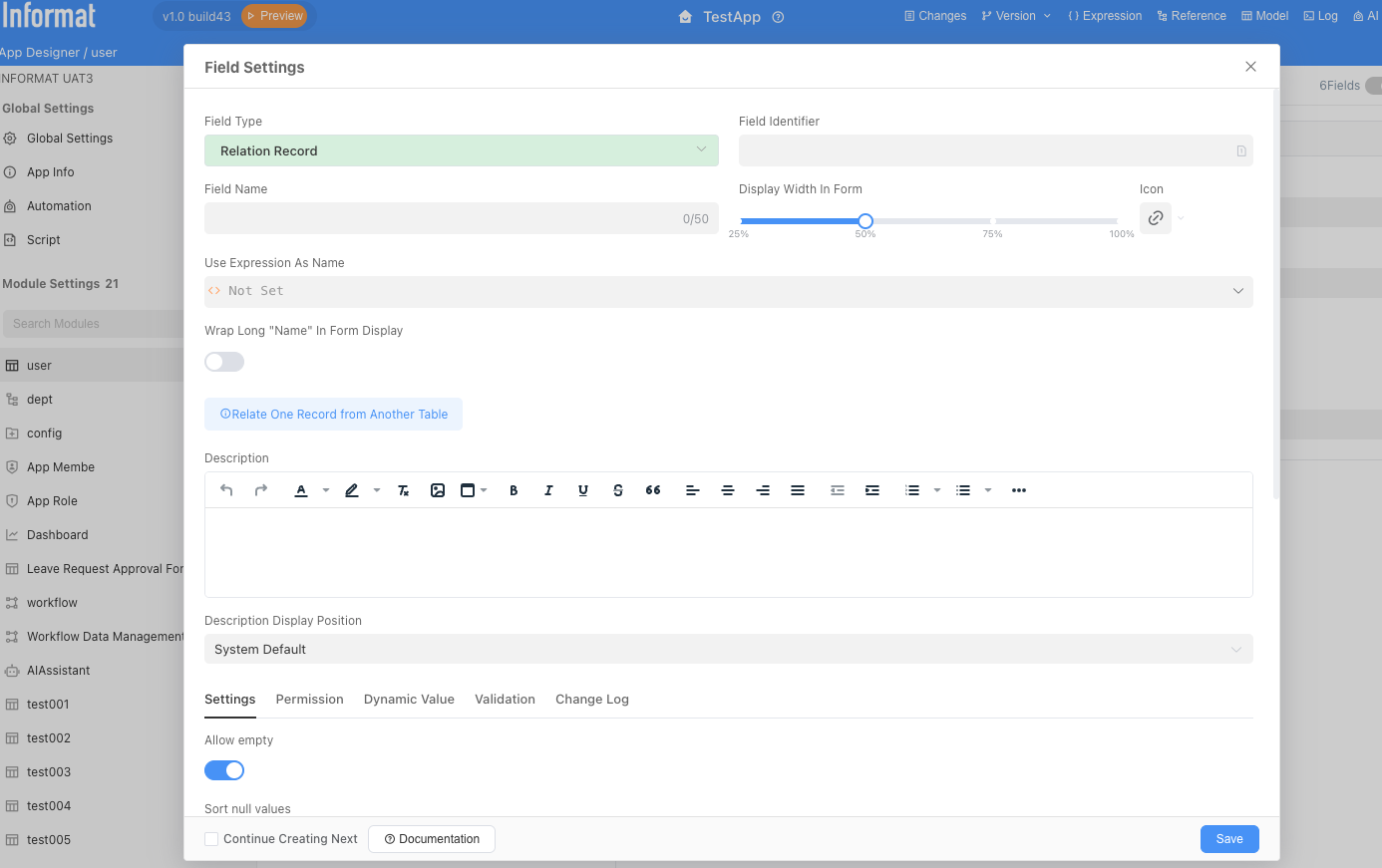
Complete the dependency display information for the
usertable in Application B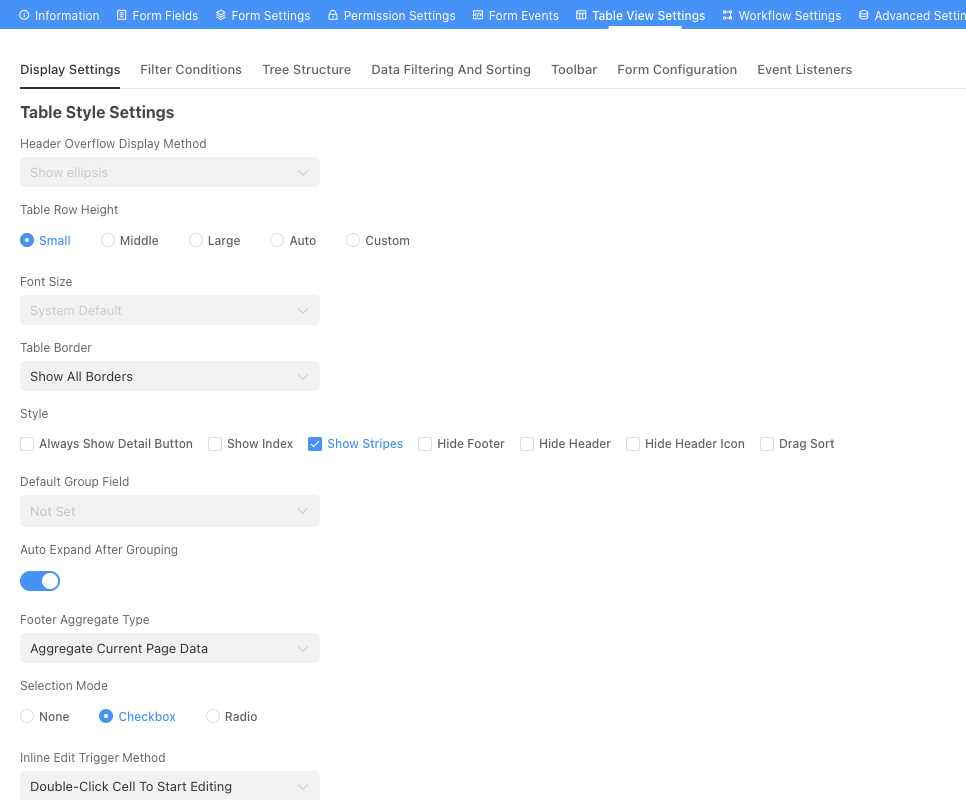
Complete the display information for the
tasktable in Application B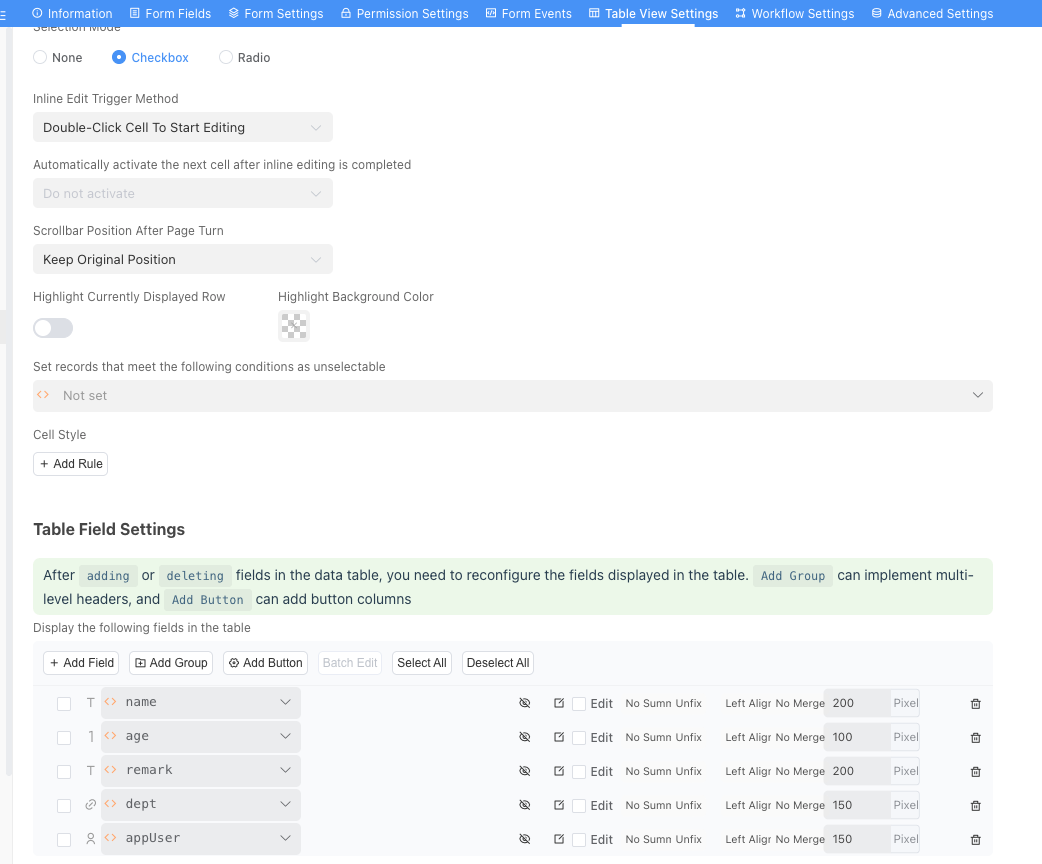
View the data of the
usertable in the Application B user interface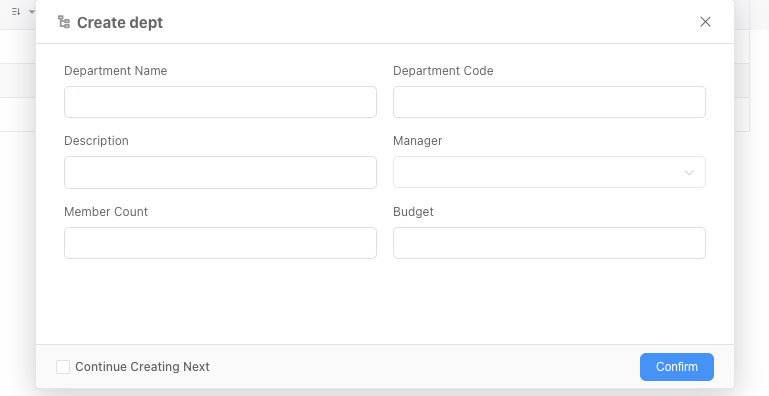
Create data for the
tasktable in the Application B user interface
This completes the demonstration of the operation steps for data table dependencies within applications.
Data Table Dependencies Notes
- After creating a data table dependency module, the module identifier and data source information cannot be modified
- When data table dependencies exist, if the identifier of the dependent module in another application changes, this module will automatically synchronize the change
- When data table dependencies exist, only data is dependent. Controls for data display and form extension need to be configured separately
- When data table dependencies exist, for custom component fields in the form, the platform will automatically calculate dependency information and use the original application information to render the content of the custom component fields