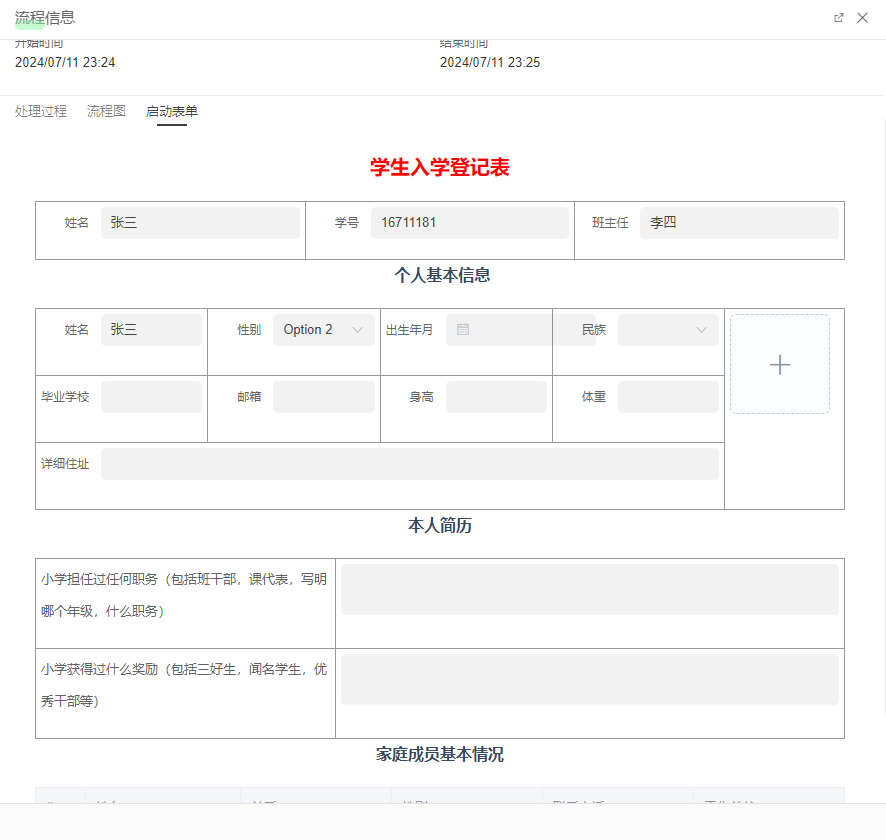
Form Designer Page as Approval Form
Overview
The form designer uses advanced visual drag-and-drop technology to provide developers with an intuitive and efficient form creation and editing method. Developers can easily add, delete, or adjust form fields through simple drag-and-drop operations, easily achieving complex form layouts and interactive effects. Embedding form designer pages in workflows can make form styles richer and adapt to more scenarios.
Flowchart
Example flowchart is as follows:

Form Designer Page
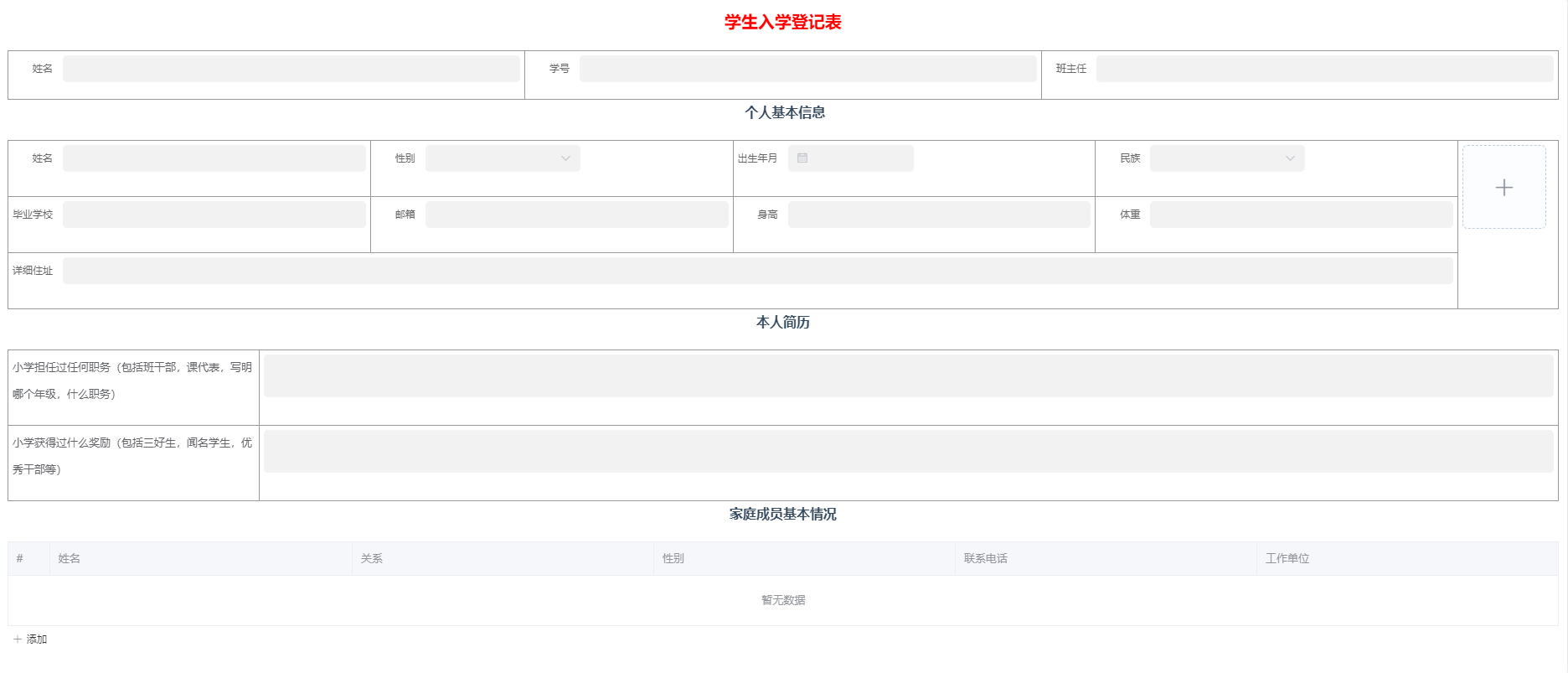
Workflow Configuration
Global Settings
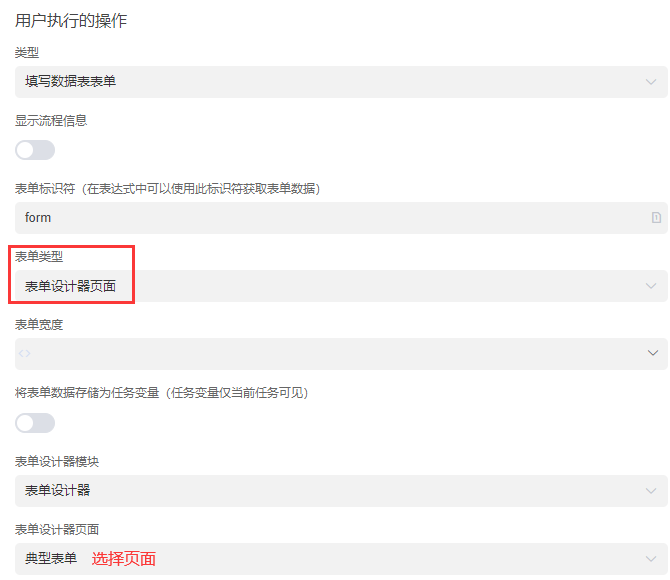
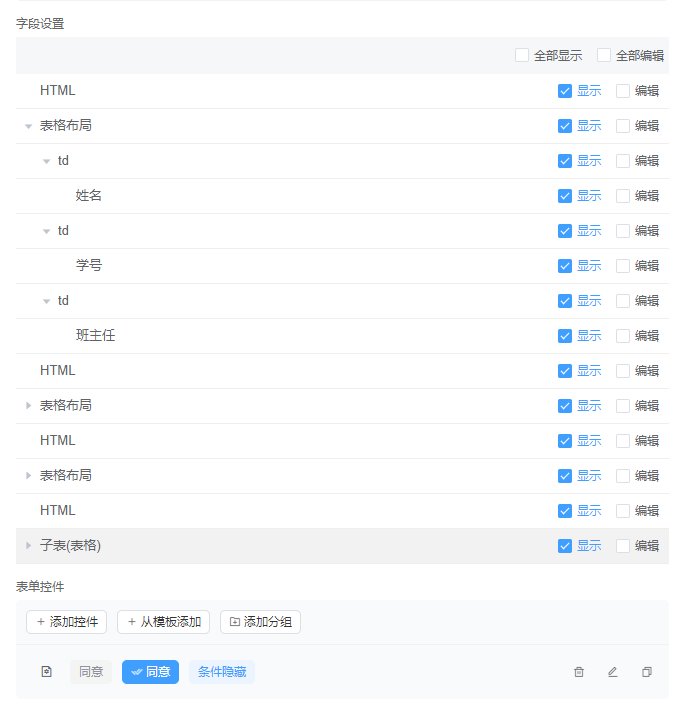
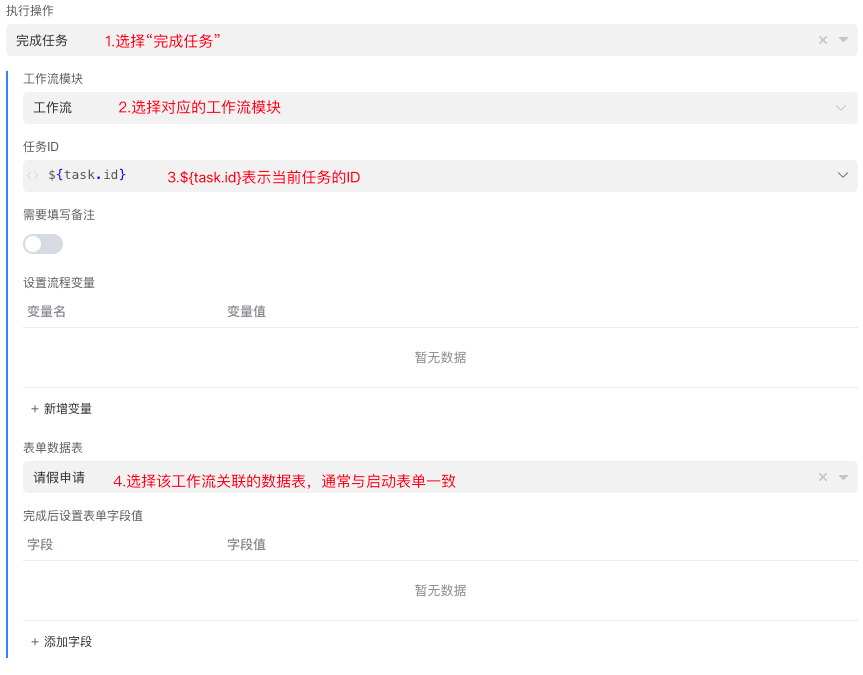
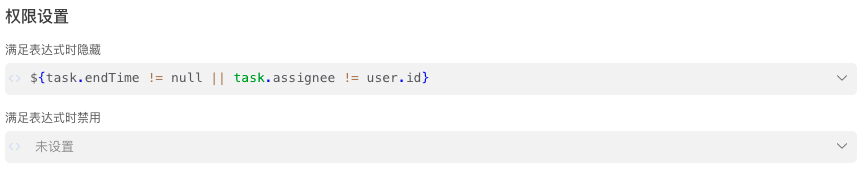
Add the form designer page as the startup form. 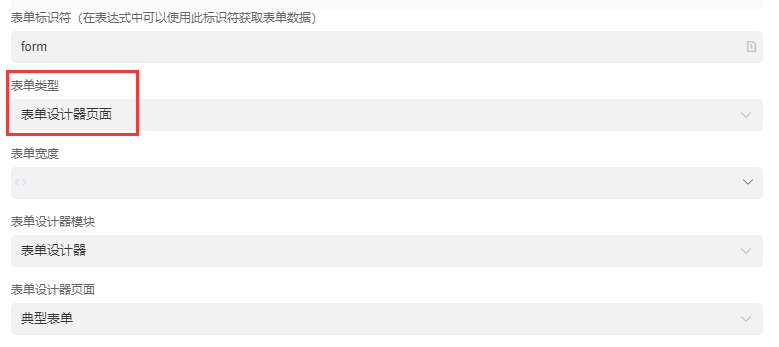
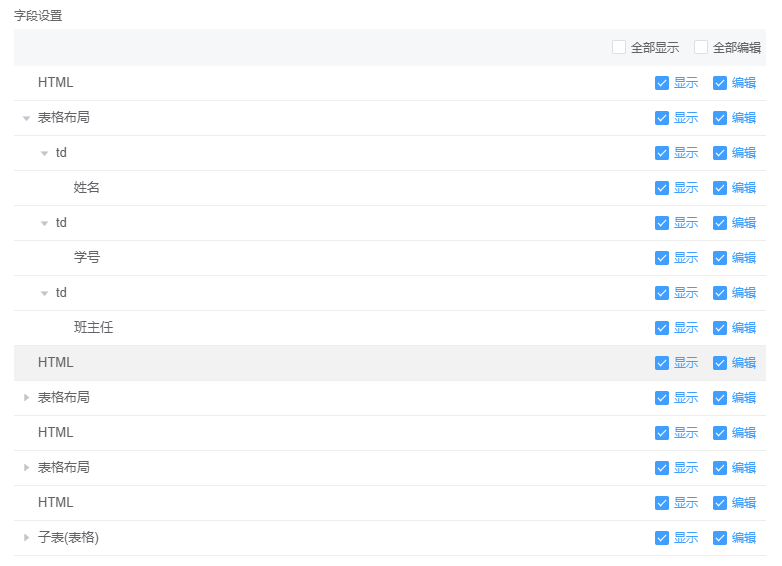
Personnel Approval Node


Effect Diagram
Process Information: