Lookup List
Description
| Item | Content |
|---|---|
| Category | Association Relationships |
| Sortable | Yes |
| Filterable | Yes |
| Supported Filter Types | Contains, Does Not Contain, Equal, Not Equal, Empty, Not Empty, In List, Not In List |
Settings
| Setting | Description |
|---|---|
| Associated Table | Set the table associated with the lookup list |
| Display Field | Set the field in the associated table that will be displayed when selecting records |
| Returned Field List | After successfully setting the associated table, you can set the fields in the associated table that will be returned to the current table |
| Placeholder in Form When Empty | Text displayed in the input box when no information is entered in the field |
| Max Number of Displayed Records | Set the maximum number of records that can be displayed when selecting data |
| Display Search Box | Whether to display the search box when selecting records |
| Display Add Record Button | Whether to display the "Add New Record" button in the list popup when selecting records |
| Use Automation to Set Candidate List | Support using automation to filter the set option values |
| Automation Input Parameters | Parameters passed to automation based on context when calling automation candidate values |
Notes
When the associated table and display field are modified at the same time, the data in the current table may be lost
When the lookup list is used as a filter condition, only the display field will be returned
Returned fields from associated tables are not editable, but they will be updated automatically when the associated table data changes
When using automation to set the candidate list, the automation must return a list of record IDs from the associated table
When the lookup list is used in a multi-data source table, the lookup list only supports returning the ID of the associated table, and does not support returning other fields
Settings for Associated Table Return Fields
| Setting | Description |
|---|---|
| Field Return Name | When a field from the associated table is returned to the current table, the identifier of the returned field in the current table |
| Display Name | The display name of the returned field from the associated table in the current table |
| Field Type | The field type of the returned field from the associated table |
| Sorting Method | When setting the associated table, the field in the associated table used for sorting the candidate list |
| Sorting Direction | The sorting direction used by the sorting field Options: Ascending, Descending |
Database Storage Format
The lookup list field itself does not store data; it only stores the ID of the associated table, and the storage type is determined by the ID field type of the associated table.
Usage Examples
Basic Usage
Data Association

Returned Fields

Data Display

Advanced Usage
Set Maximum Display Records
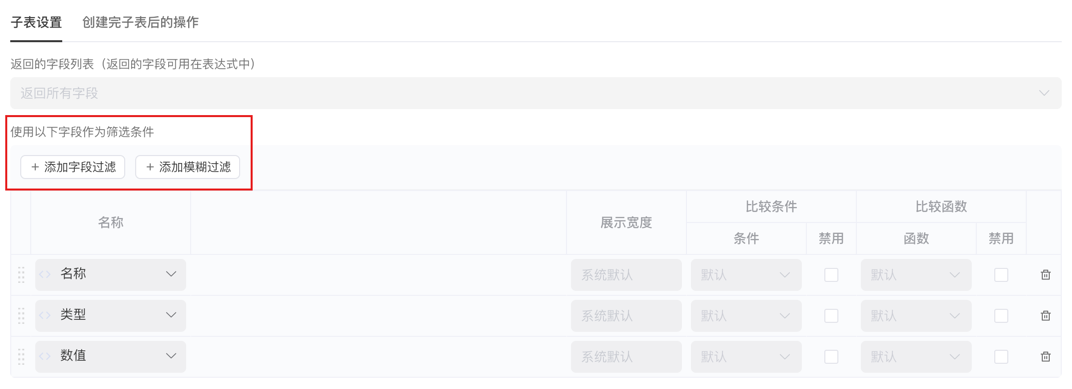
Display Search Box
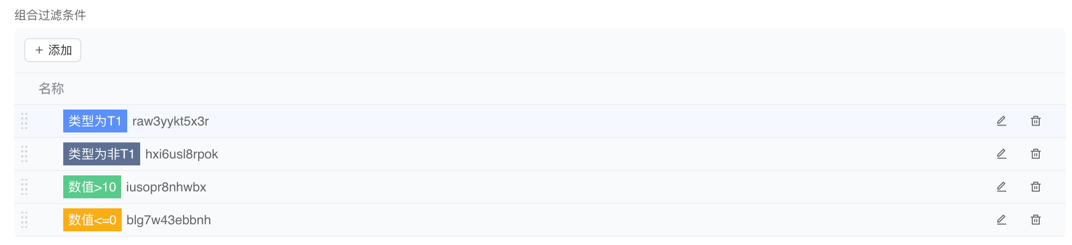
Display Add Record Button
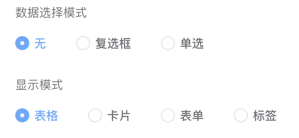
Use Automation to Set Candidate List
/**
 * Set the candidate list for the lookup list
 */
return ["10000", "10001", "10002"];Execution Effect