Tree View
Overview
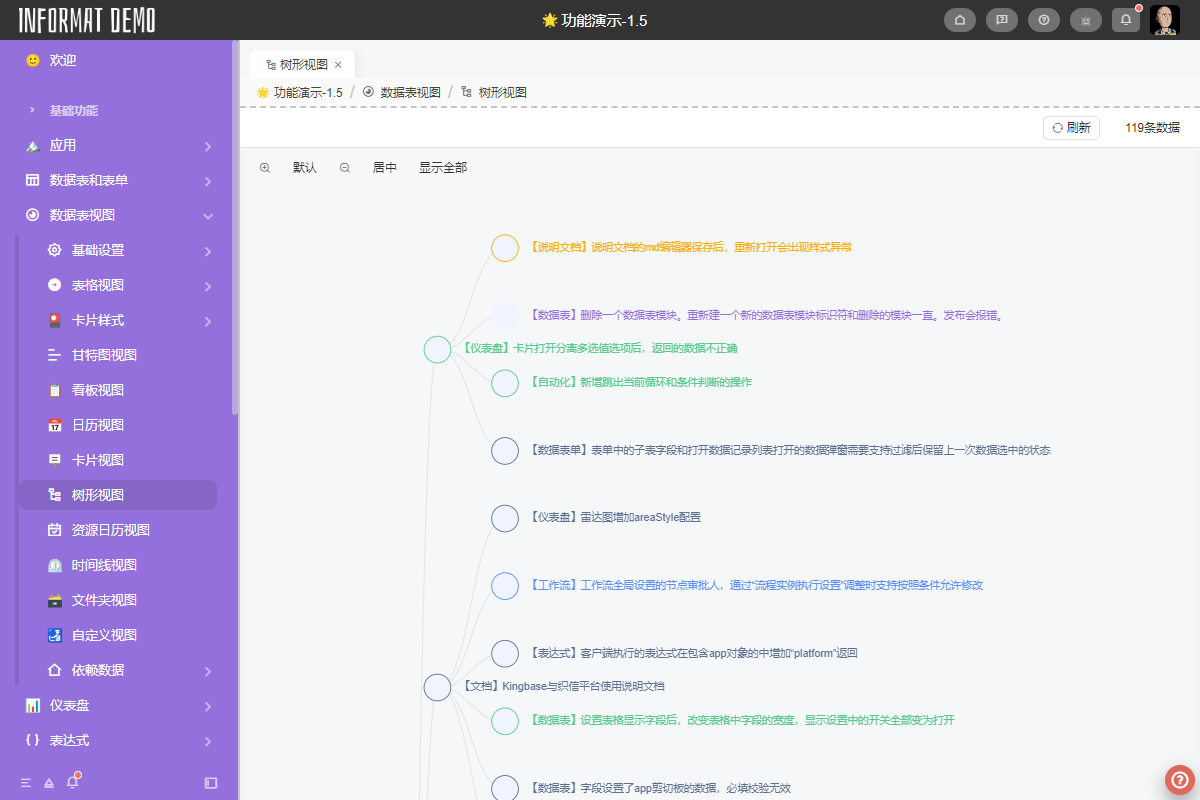
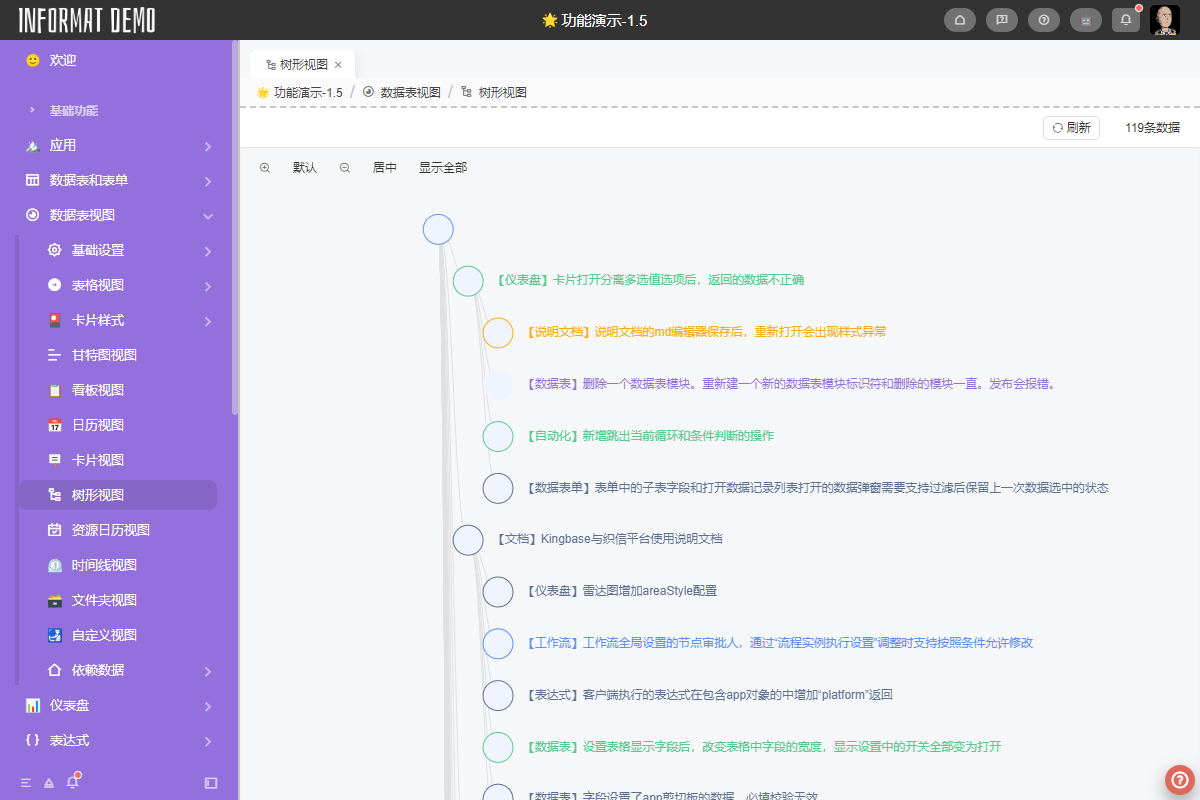
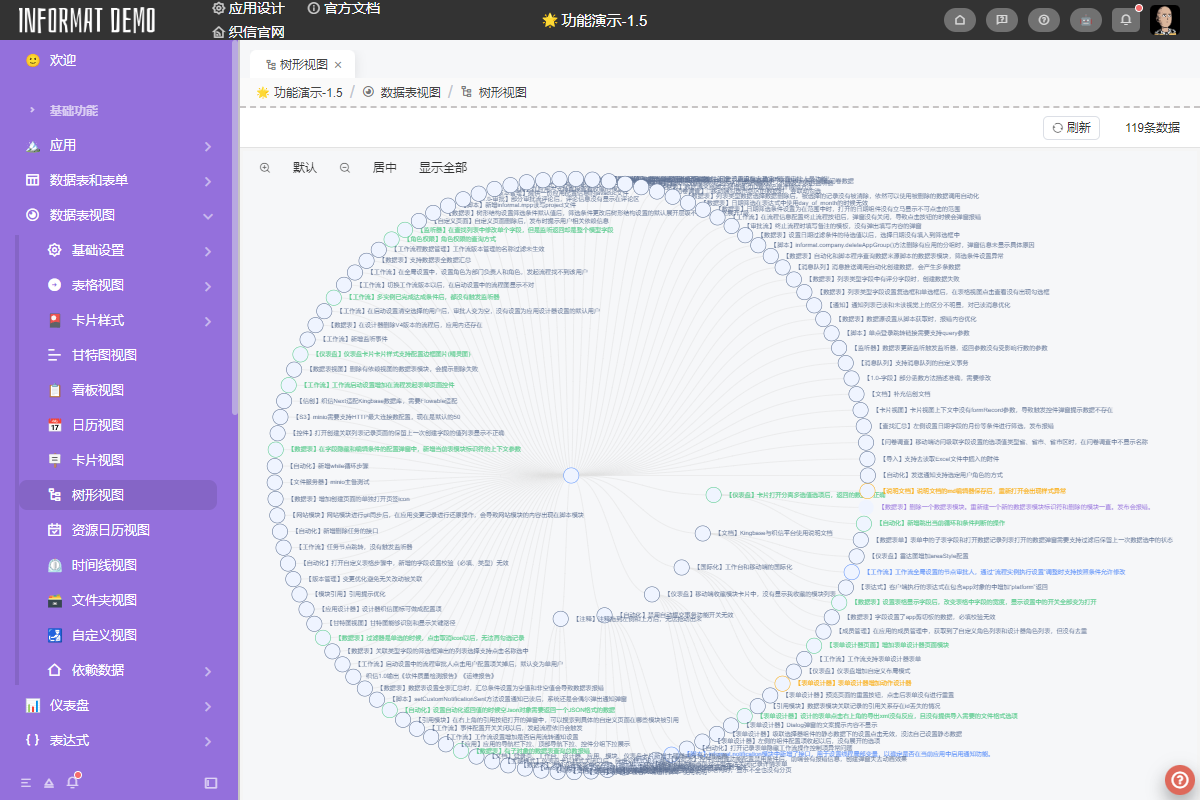
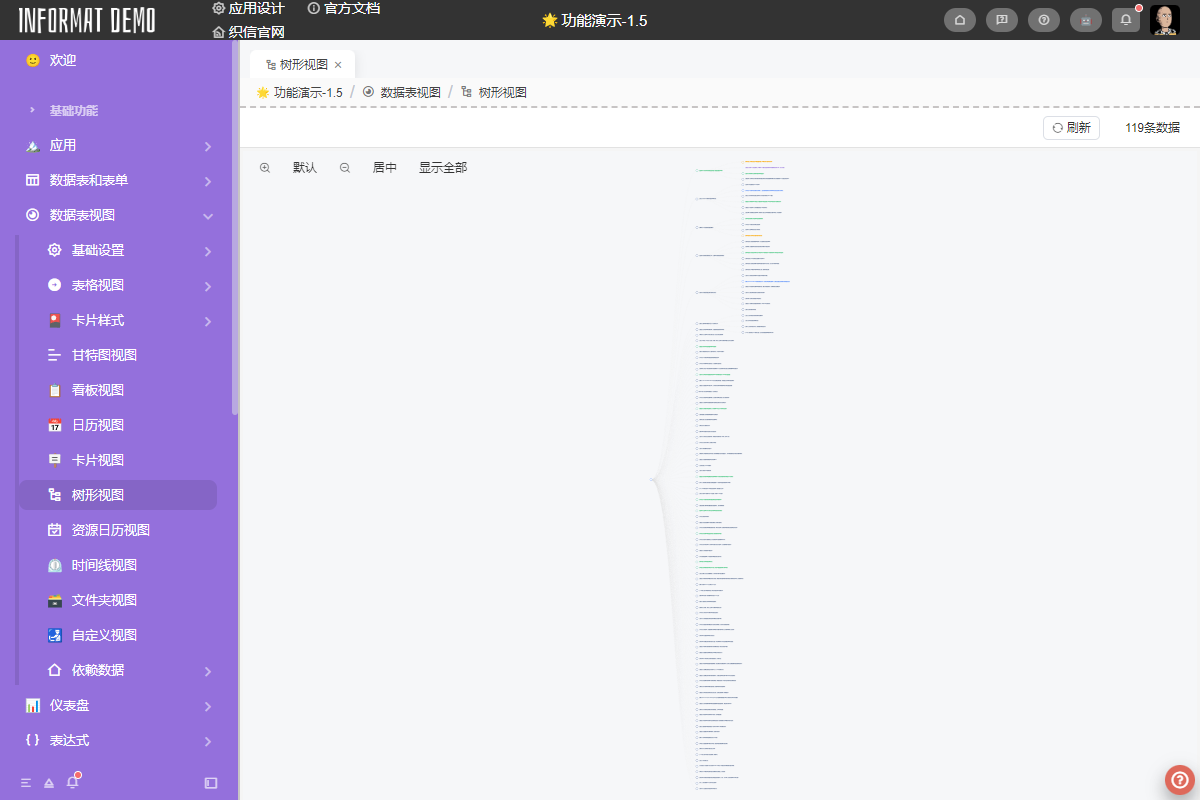
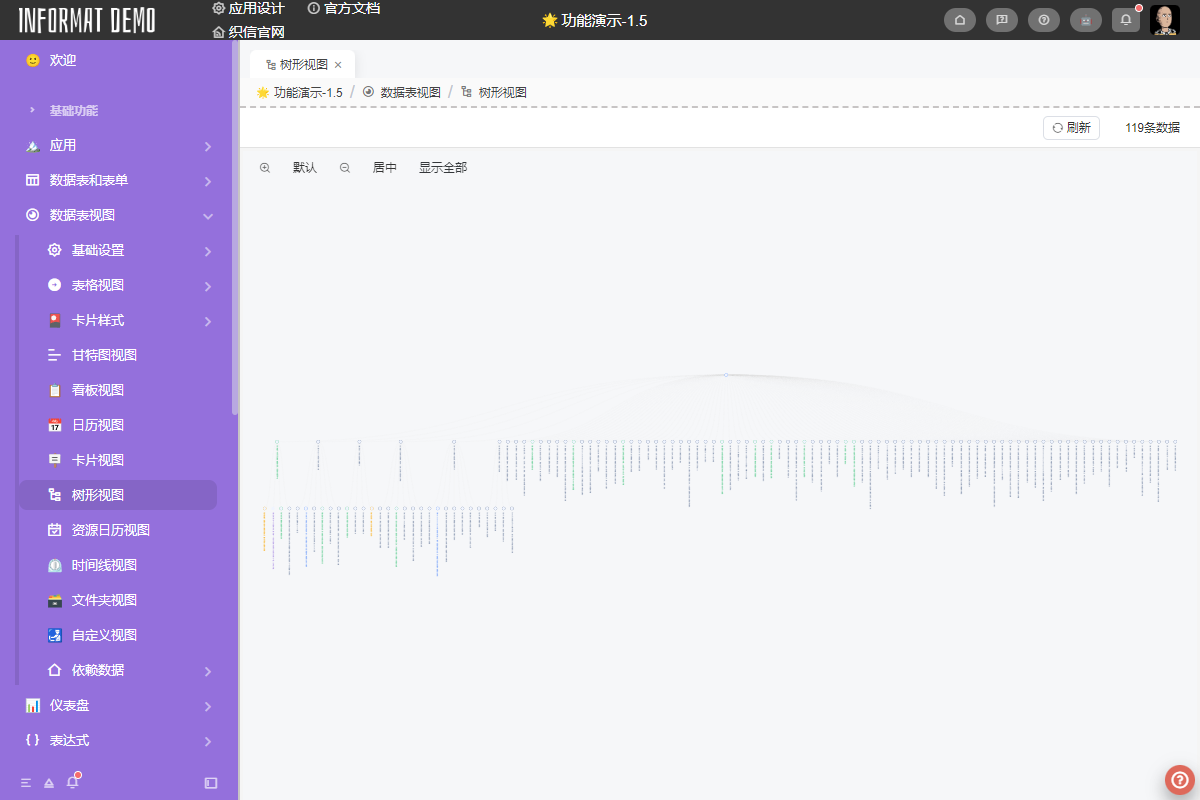
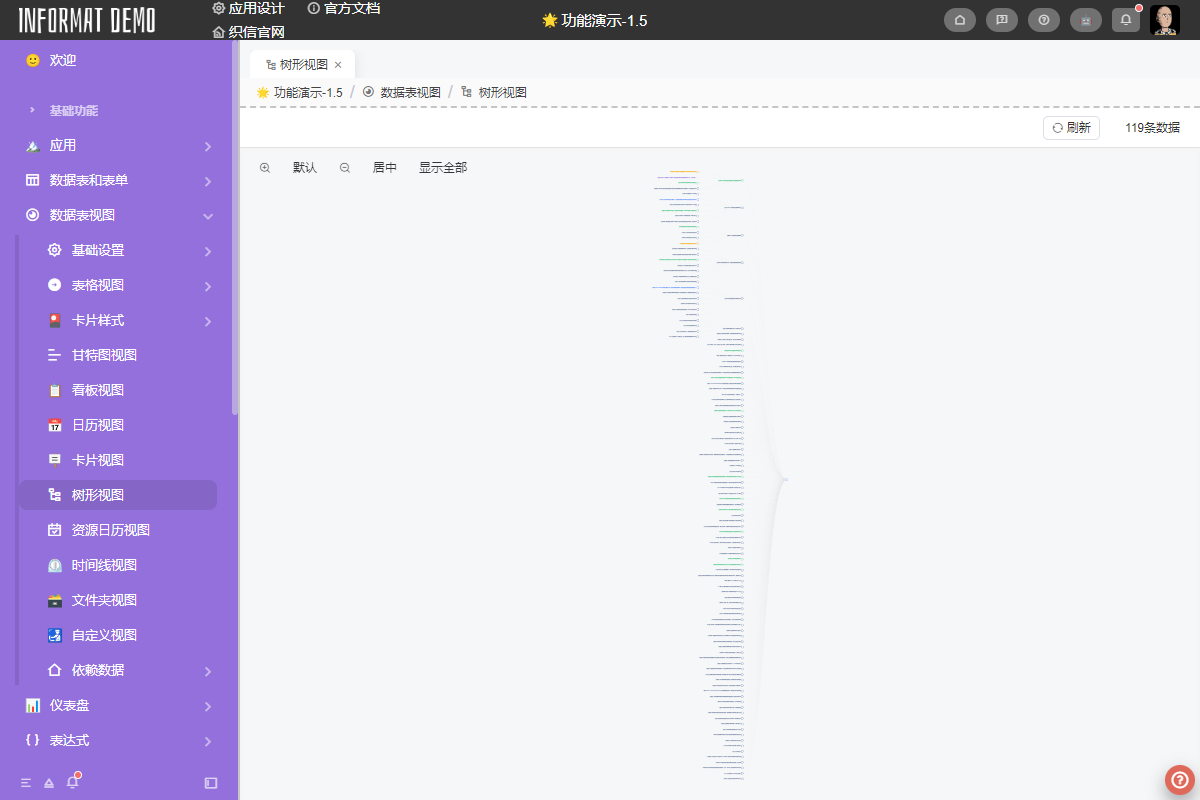
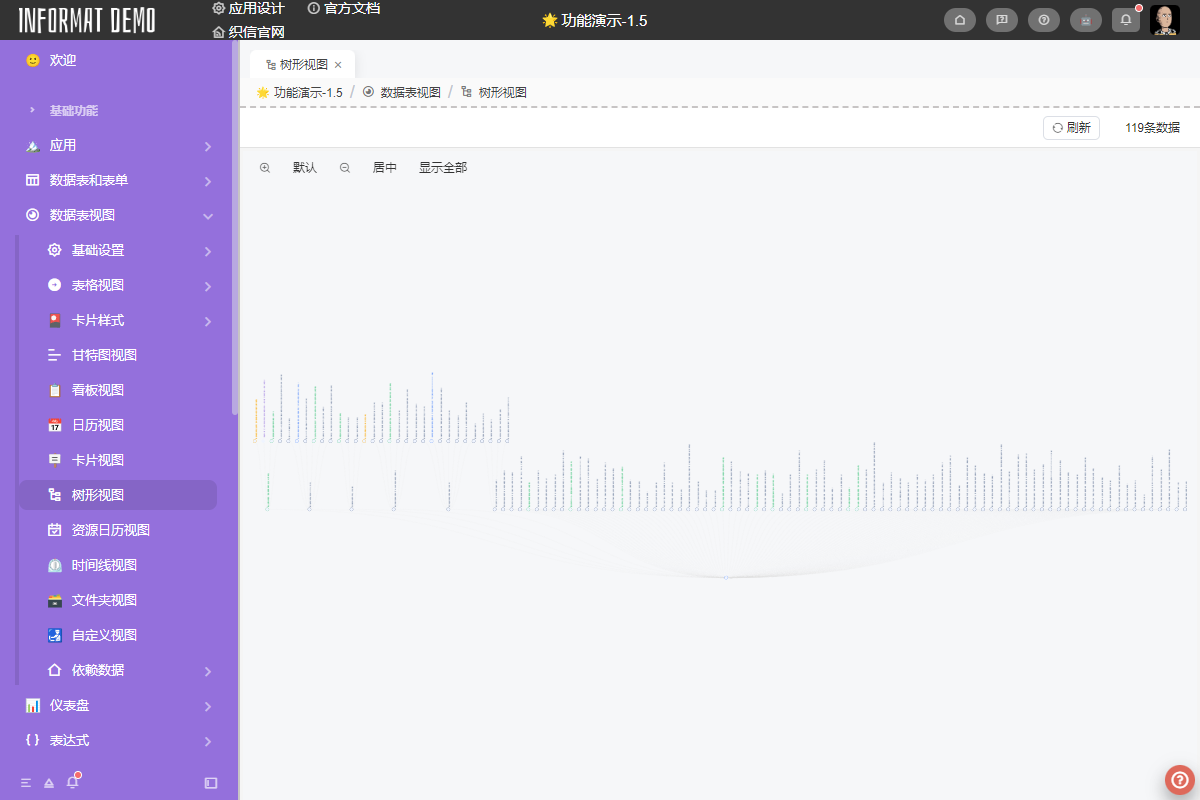
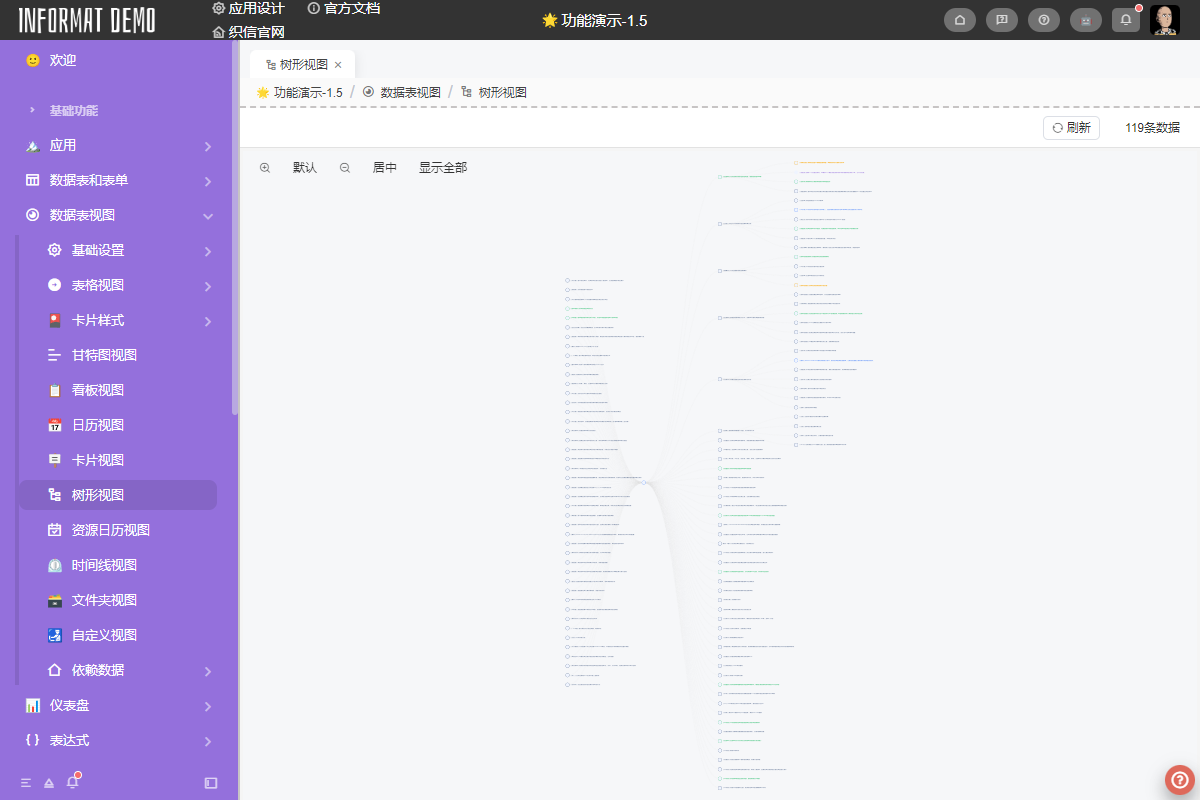
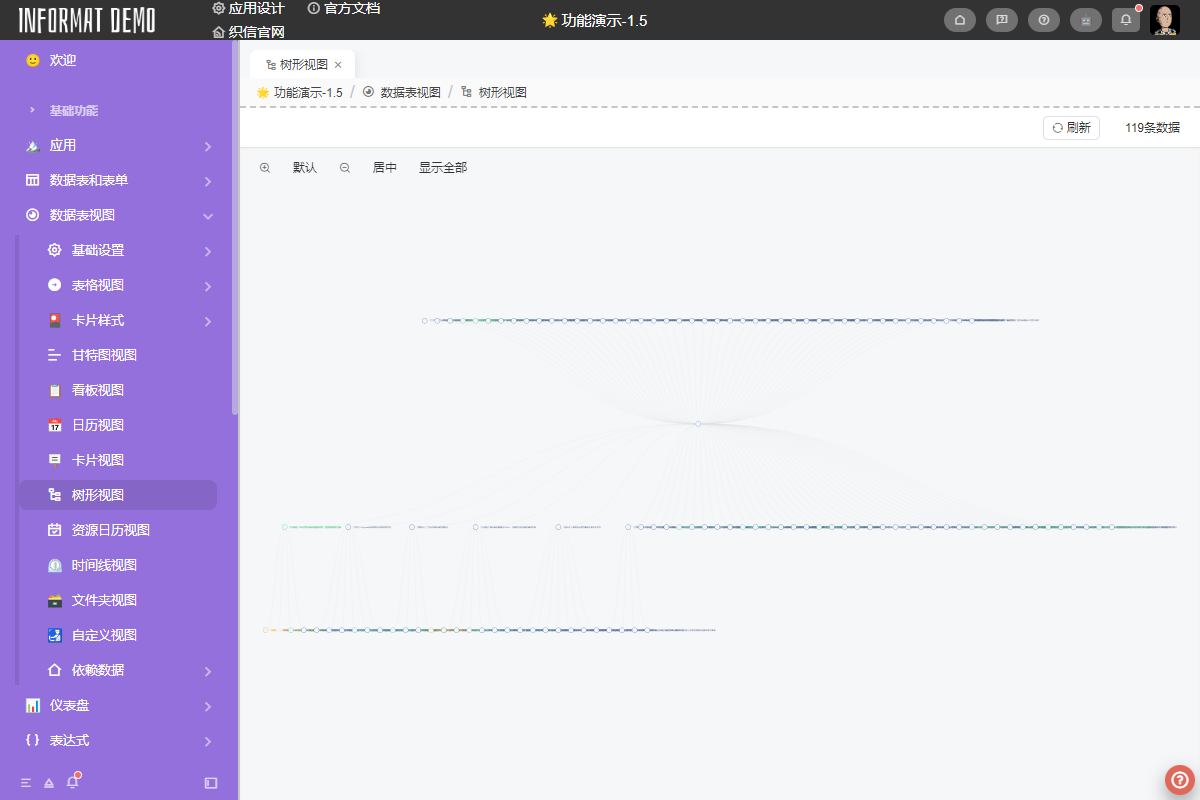
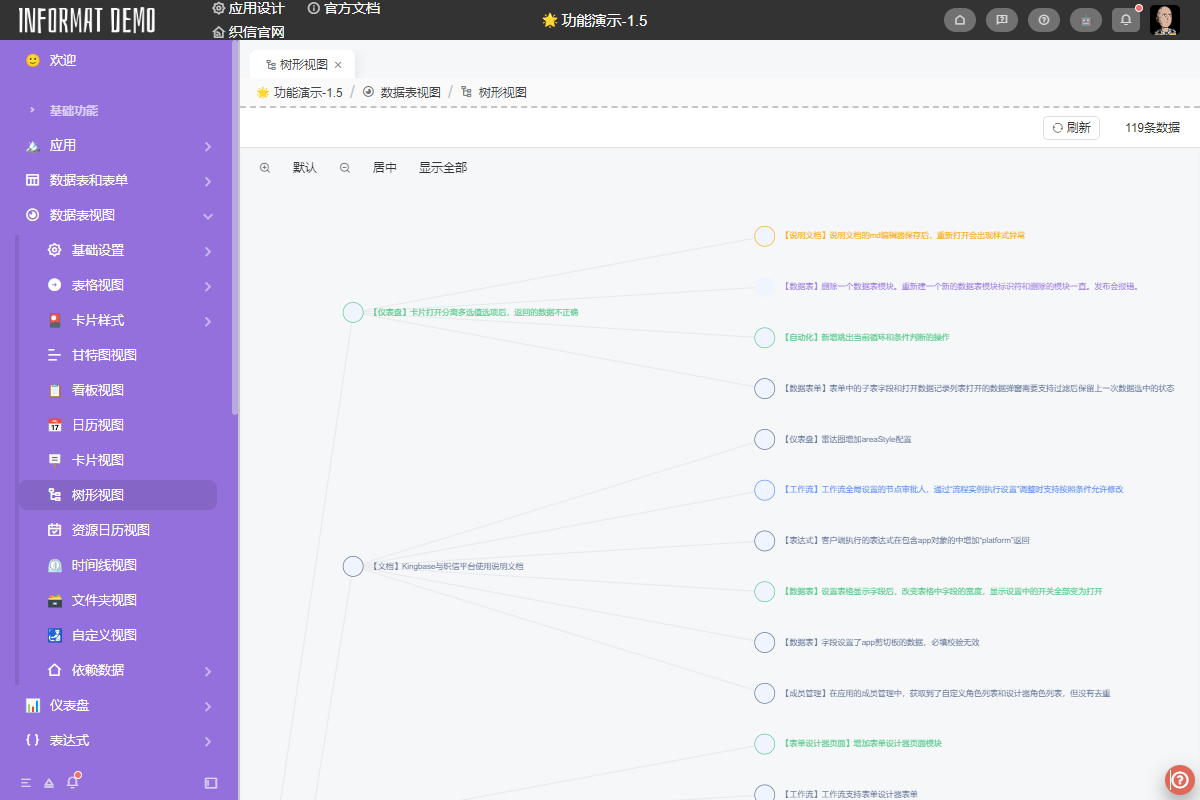
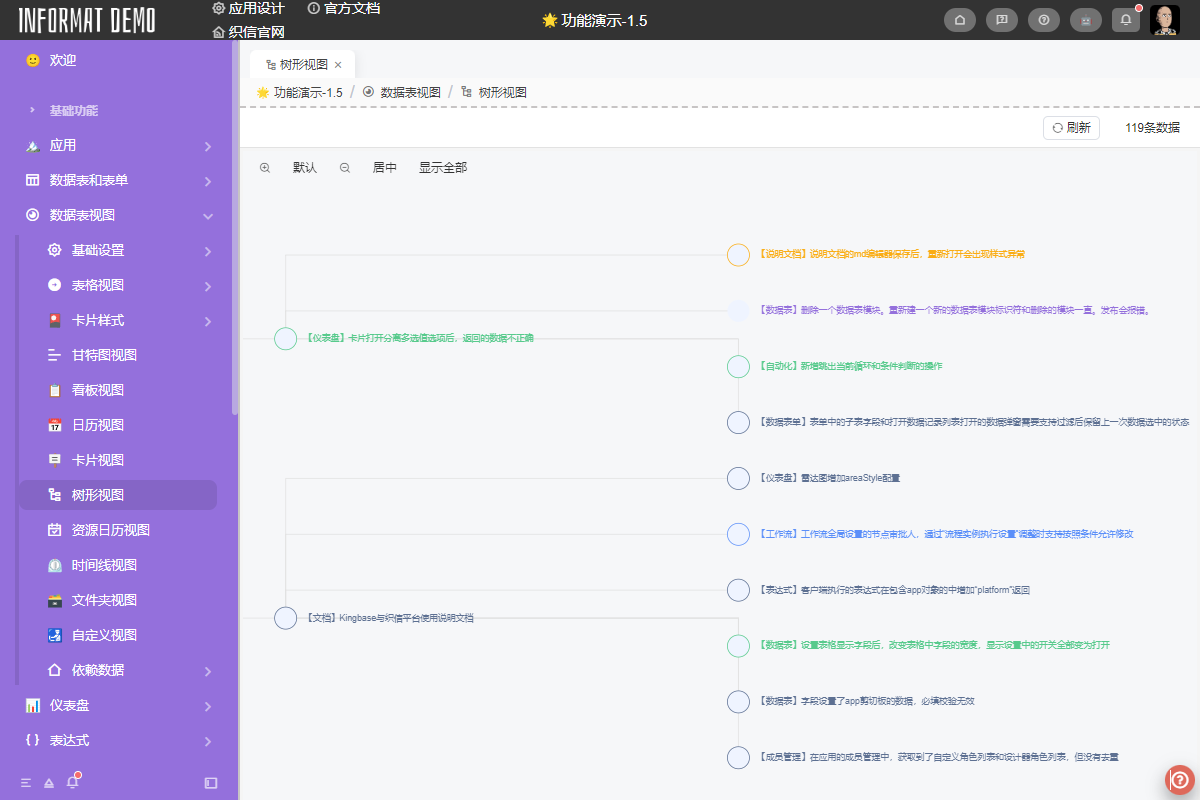
The Tree View converts data into tree nodes and displays them in a Tree form, expressing the parent-child relationship between data.
Settings
| Setting | Description |
|---|---|
| Name Field | Set the node name of tree nodes. The data table must contain a Single Line Text type field. |
| Image Field | Set the image example of tree nodes. The data table must contain an Attachment type field. |
| Color Field | Set the color of tree nodes. The data table must contain a List Selection or Color type field. |
| Chart Type | Display mode of the chart. Options: Default, Indented Tree, Circular, Mind Map |
| Arrangement | Arrangement of tree nodes. Options: Left to Right, Top to Bottom, Right to Left, Bottom to Top, Horizontal Symmetry, Vertical Symmetry |
| Connection Line Style | Style of connection lines between tree nodes. Options: Curved Line, Straight Line, Right Angle Line |
| Spacing Between Layers | Spacing between parent and child nodes, unit: pixels (px) |
| Spacing Between Nodes | Spacing between sibling nodes, unit: pixels (px) |
Note: You need to configure the
Tree Structurecontent of the view for the view to display properly in a tree form