

Extension Libraries
Overview
If the functionality provided by the system does not meet your requirements during development, you can use extension libraries to introduce external code. Currently, only Java code is supported. The external code needs to be compiled and packaged into a zip file. You can execute the code in the zip file by calling the informat.system.invokeLibrary method.
To ensure the system remains stateless during calls, only static methods are allowed. It is also strongly recommended not to use static variables to preserve state in the code.
The following restrictions apply to methods exposed in extension libraries:
- Method names must be unique; method overloading by return value or parameter type is not supported
- Method parameters and return values must be serializable
When calling an extension library, method matching is performed based on the method name and number of parameters. An exception will be thrown if no method is found or if multiple methods match.
Methods in the extension library:
static int add(int a,int b);//method 1
static int add(int a,int b,int c);//method 2
static int add(String a,String b);//method 3Calling from a script:
informat.system.invokeLibrary("mylibrary", "com.mycompany.MyLibaray", "add", [1, 2, 3]); //matches method 2
informat.system.invokeLibrary("mylibrary", "com.mycompany.MyLibaray", "add", [1, 2]); //will throw an exceptionZIP Package Description
- Package the extension library project into a file named
main.jar - Place the project's dependent jar files in the
libdirectory (multi-level directories are not supported) - Compress the directory into a password-free zip file
- Upload the generated zip file to the
Application Extensionsin the application designer
Example ZIP package structure:
.
├──lib
│   ├── lib1.jar
│   └── lib2.jar
└──main.jarExamples
Below is a simple extension library, which we'll identify as mylibrary
package com.mycompany;

import cn.hutool.crypto.digest.DigestUtil;

public class MyLibaray {
	public static int add(int a,int b) {
		return a+b;
	}
	public static String md5(String input) {//reference third-party library
        return DigestUtil.md5Hex(input);
    }
}Calling the extension library:
var result=informat.system.invokeLibrary('mylibrary','com.mycompany.MyLibaray','add',[1,2]);
//result is 3
var result=informat.system.invokeLibrary('mylibrary','com.mycompany.MyLibaray','md5',['111111']);
//result is 3INFO
Demo download address: https://ai.ainformat.com//types/informat-next-library-demo.zip
After packaging the project with mvn install, informat-next-library-demo-1.0.zip will be generated in the target directory
Application Design -> Global Design -> Advanced Settings -> Extension Libraries] Add a new extension library and upload the informat-next-library-demo-1.0.zip file
Calling Informat APIs in Extension Libraries
In extension libraries, you can call APIs provided by Informat through the Informat object. To call Informat APIs, you need to import informat-spi.jar from the download address: https://ai.ainformat.com//types/informat-spi-1.0.0.jar
Here is an example of calling an API provided by Informat:
package com.mycompany;
public class MyLibaray {
	public static String getUser() {
		String userId=Informat.app().userId();//get current user
        Informat.console().log("current userId is:"+userId);//output current user to application console
        return userId;
	}
}Calling Informat Object via RPC
By default, extension libraries need to be deployed in the Informat environment to call methods provided by Informat. Informat also provides remote calls to its APIs through RPC.
INFO
When calling APIs remotely, it is context-independent, and you cannot get the current operating user through informat.app.userId().
When calling APIs via RPC, communication between the client and the Informat server is via HTTP requests. The client serializes the parameters and sends them to the server, and the server serializes the return value and sends it back to the client. The entire request process is based on a request->response model and is stateless. Additionally, the parameters and return values of the called functions must be serializable. For some APIs provided by Informat, such as informat.excel, informat.word, etc., they depend on certain context environments during calls, and their parameters may not be serializable, which will throw exceptions when called remotely.
The following parameters need to be set when calling APIs via RPC:
serverAddressServer addressappIdAPP IDapiKeyAPP's apikey
Here is an example of calling via HTTP:
package com.mycompany;
public class RemoteTest {
	public static void main(String args[]) {
        Informat.setServerAddress("https://ai.ainformat.com//web0");//Informat API call address
        Informat.setAppId("appId");//APP ID
        Informat.setApiKey("apiKey");//APP's apikey
	    Map<String,Object>record=Informat.table().queryById("table","001");
        System.out.println("record is "+record);
	}
}Debugging Code in IDEA
You need to configure
serverAddress,appId, andapiKeyfor debugging.
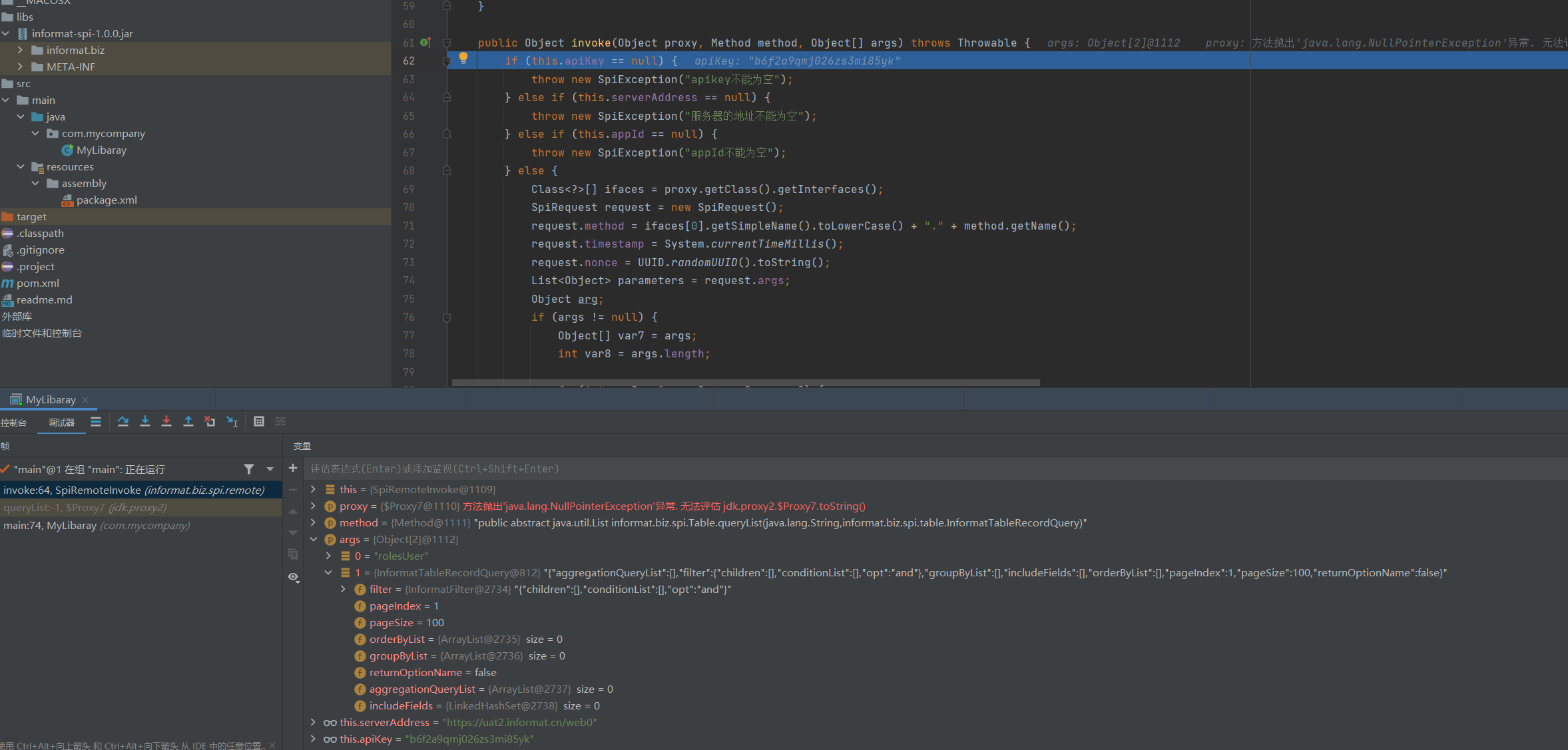
Create a main method in the class you want to debug, and select Debug Run when running: 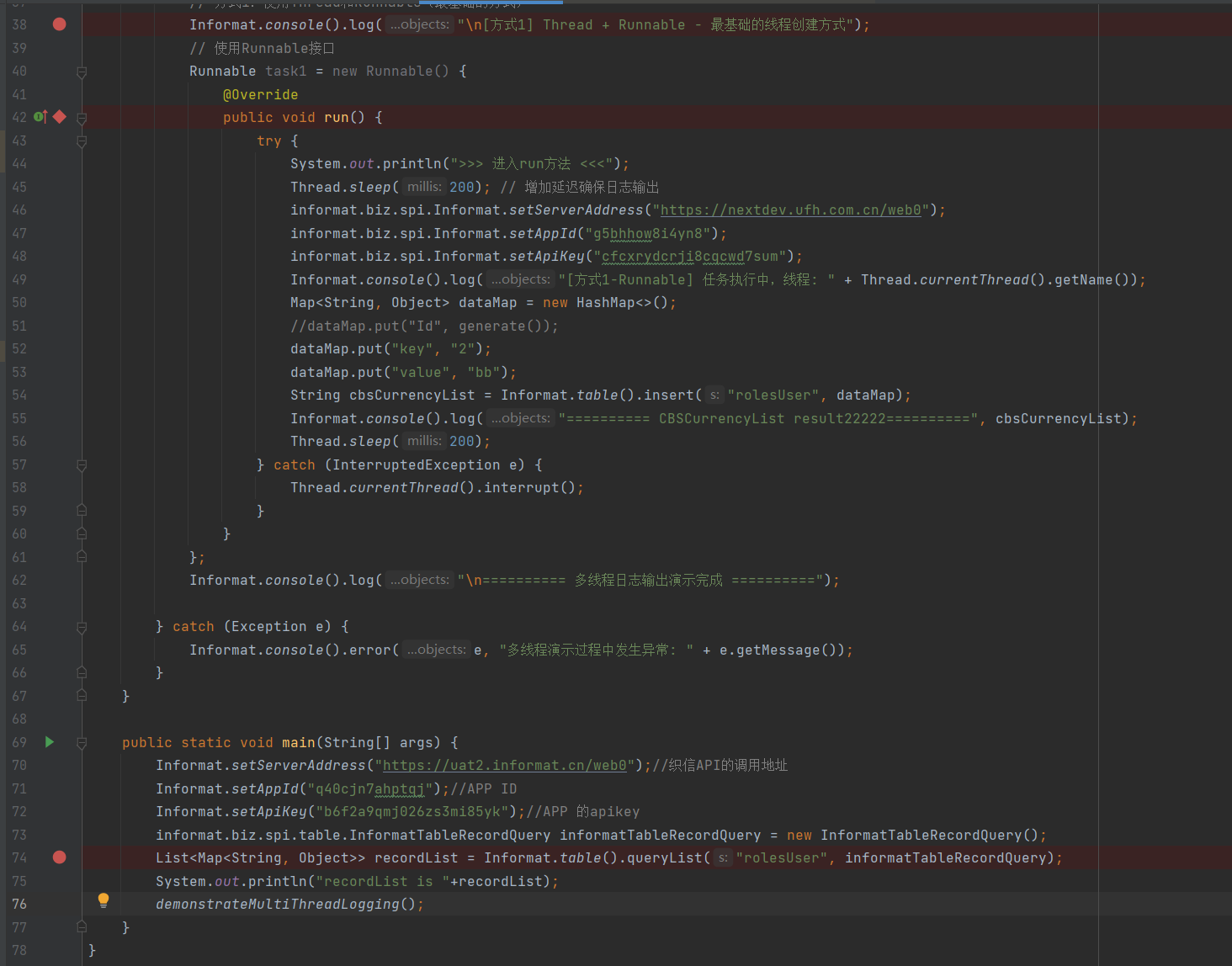
Calling Informat Object via HTTP
If you are developing in other languages, you can also call Informat APIs via HTTP POST requests. The request method is as follows:
Request Address
https://ai.ainformat.com//web${cluster}/spi/invoke/${appId}?sign=${sign}${cluster}is the node ID for cluster deployment, default is 0${appId}is the application ID${sign}is the signature for calling the interface
Assuming the application ID is app1, the complete address would be:
https://ai.ainformat.com//web0/spi/invoke/app1Request Parameters
The request body structure is:
{
    method:string,//method to be called, for example, to call the `log` method of `console`, set it to `console.log`
    args:object[];,//parameter list, if a parameter is null, set it to null, e.g., ['abc',null,123]
    timestamp:integer,//timestamp when the request is called, ensure the clock difference between client and server is within 15 minutes; requests with a difference exceeding 15 minutes will be rejected
    nonce:string,//request ID, which will be returned in the result; it is recommended to use UUID to generate nonce to ensure each request has a unique ID
}The content of the request body needs to be the JSON generated from the object described above. Here is an example request body:
{
  "method": "console.log",
  "args": ["arg1"],
  "timestamp": 1670917594517,
  "nonce": "001"
}Request Signature (sign)
The purpose of passing a request signature is to:
- Verify the legitimacy of the requester
- Verify the integrity of parameters and whether they have been tampered with
- Prevent replay attacks
The request signature needs to be calculated using the SHA256withRSA algorithm. The calculation method is:
let req; //request body
let json = JSON.stringify(req); //convert the request body to a JSON string
let sign = SHA256withRSA(json, privateKey); //calculate the signature using privateKey, which is the application's API KeyReturn Content
The server returns the following structure:
{
    nonce:String,//nonce from the request parameters
    ret:Object,//return value of the method
    exceptionClass:String,//exception thrown by the method
    exceptionMessage:String//exception information thrown by the method
}The content returned by the server is the string obtained by converting the above structure to JSON, with Content-Type set to text/json