

Container Upgrade
Browser Access to the Installer
Download the Informat Installation Package
Download the installation package from the Informat Installation Package Source
Upload the Installation Package
Click the "Installation Upgrade" menu, select "Upload File", and start uploading.
After the upload is complete, click "Next" to enter the "Confirm Installation Information" step. 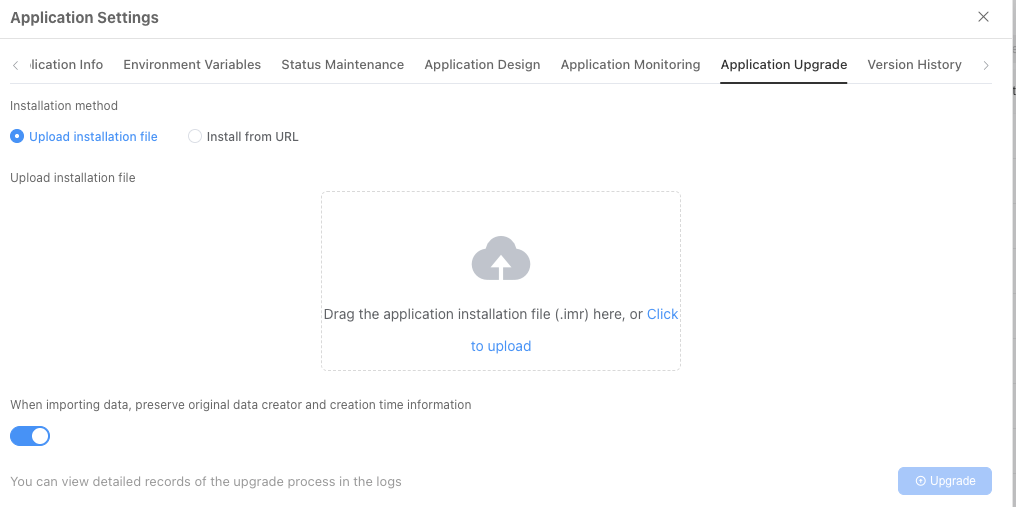
Confirm Installation Information
Click "Next" to enter the "Select Installation Path" step.
Select Installation Path
Click "Next" to enter the "Execute Installation Program" step.
TIP
Select the previously installed path here
Execute Upgrade Program
After confirming everything is correct, click the "Confirm Upgrade" button.