Last Modified User
The last modified user field saves the ID of the user who last modified the record (automatically generated)
Description
| Item | Content |
|---|---|
| Category | Static Field |
| Sortable | Yes |
| Filterable | Yes |
| Supported Filter Types | Equal, Not Equal, Empty, Not Empty, Less Than, Greater Than, Less Than or Equal, Greater Than or Equal, Within Range, Not Within Range, In List, Not In List |
Database Storage Format
| Field Type | Description |
|---|---|
| varchar(128) | Variable-length string, up to 128 characters |
The last modified user saves the ID of the user. When querying records through automation or scripts, the user's name and avatar will also be returned. Assuming the identifier of the field is cuser, the returned structure is as follows
json
{
  "cuser": "userid",
  "cuser_name": "User Name",
  "cuser_avatar": "pic1.png"
}Notes
If data already exists in the table and then the last modified user field is added, the last modified user field for this original data will be null. If you need to update this data, you need to call the script function
javascript
informat.table.update()
// or
informat.table.updateList()Usage Examples
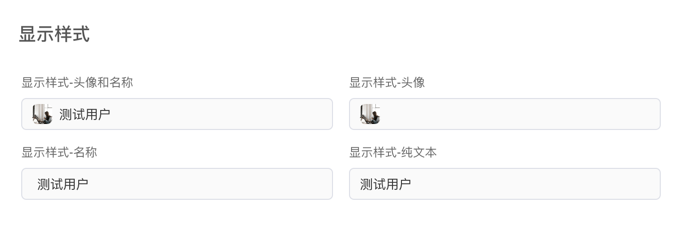
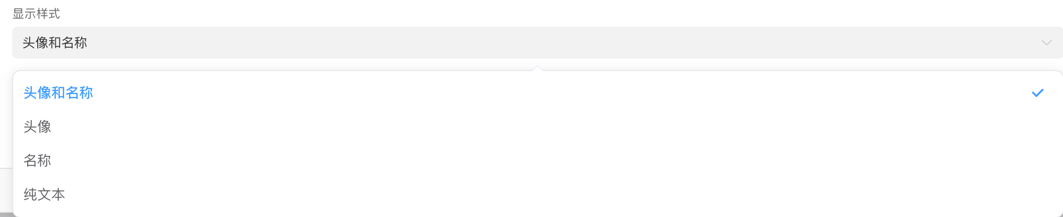
Display Style
Display Effect