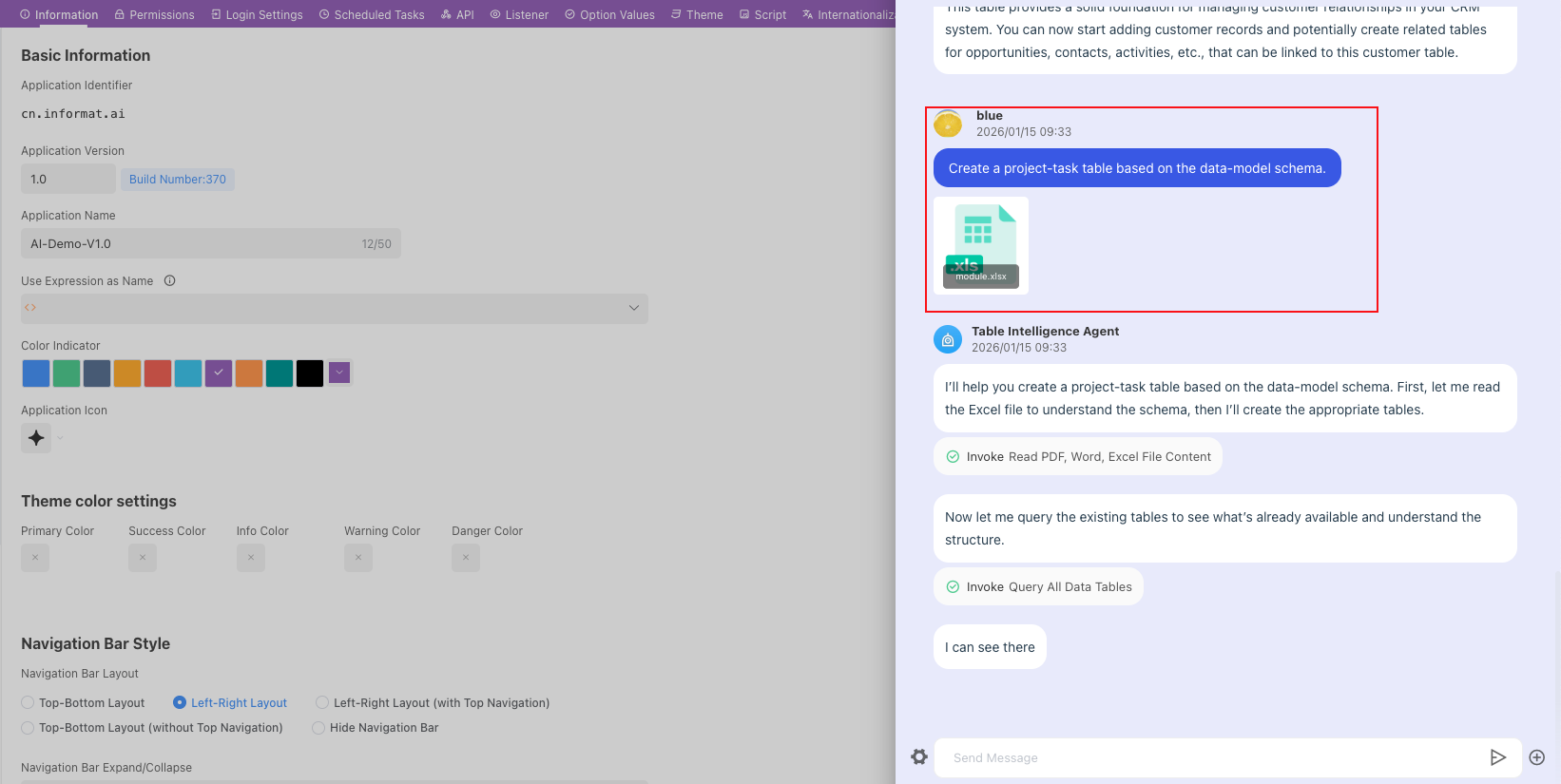
AI Table Agent
Overview
The AI Table Agent is an AI-powered intelligent data table management assistant that helps users quickly query and analyze table structures and deeply understand data relationships through natural language interaction. It supports intelligent batch data table construction, automatically recommends optimal table structures and field types based on business needs, and provides powerful batch field management functions to achieve efficient addition, deletion, and modification of table structures. Whether for database design, data governance, or system development, it can significantly improve work efficiency and make complex data table management simple and intelligent.
Core Capabilities
- Intelligent Table Query and Analysis
- Intelligent structure parsing: Automatically identify data table structures and quickly display table relationship graphs
- Multi-dimensional query: Support natural language queries, such as "Show sales data from the last 3 months"
- Association relationship mining: Intelligently analyze relationships between tables and generate ER relationship diagrams
- Data lineage analysis: Track data sources and flow paths to ensure data credibility
- Batch Data Table Construction
- Template-based table creation: Provide standardized table structure templates based on business scenarios
- Intelligent field recommendation: Automatically recommend appropriate field types and constraints based on business types
- Batch table creation: Support creating multiple related data tables at once
- Batch Field Management
- Intelligent field optimization: Analyze existing field usage and propose optimization suggestions
- Batch add/delete/update: Support batch operations on fields of multiple tables
Using AI Table Agent
In the [Application Designer]'s [AI] module, click [Table Agent] to switch to the table agent dialogue
Application Cases
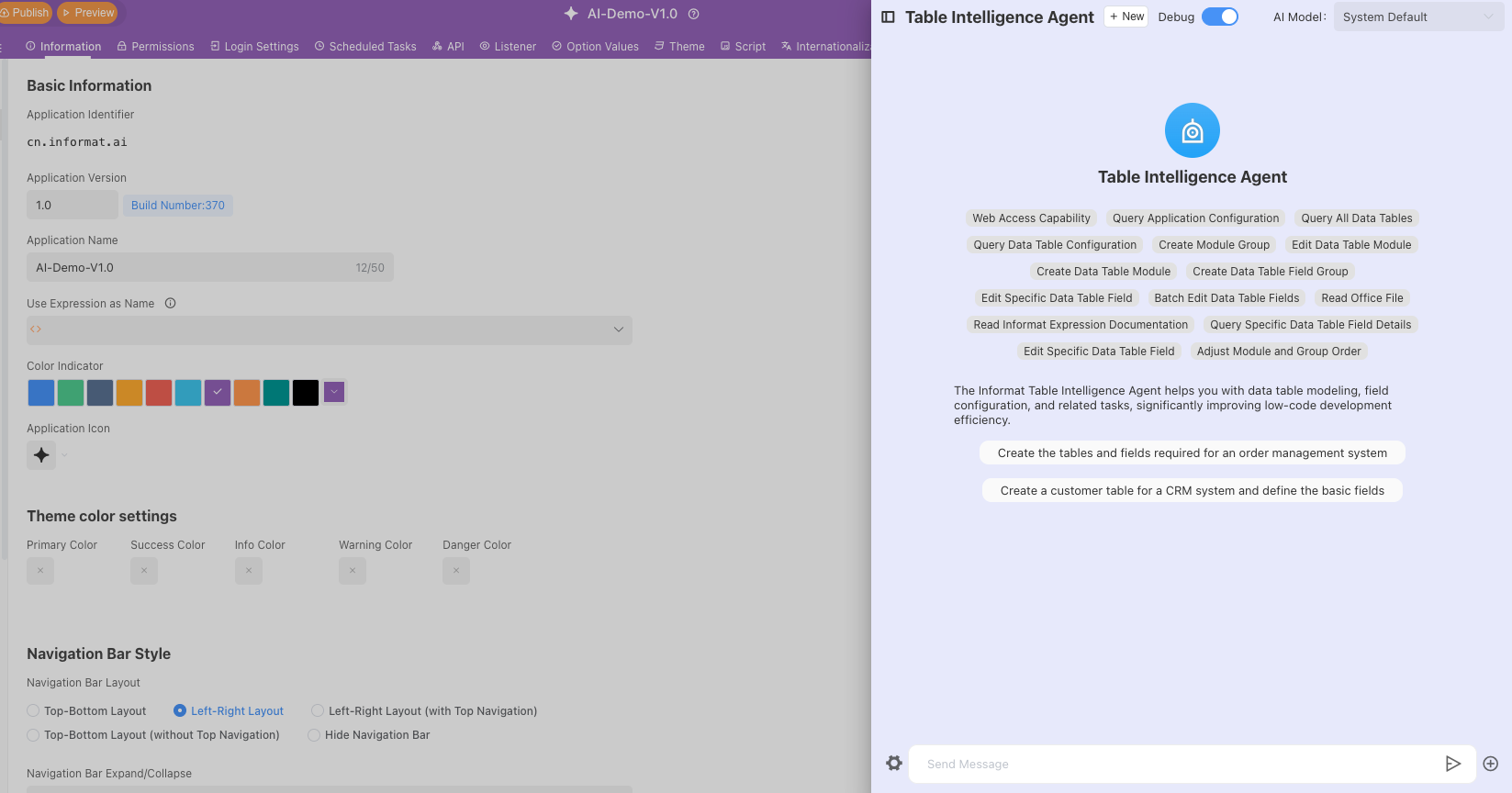
1. Generate Data Tables
- Application scenario: After creating an application, you need to quickly create some basic tables and fields. Through AI, you can quickly create tables and intelligently build fields
2. Edit Data Table Fields
- Application scenario: Quickly add, edit, or delete fields in data tables
- Add fields by AI inferring application structure
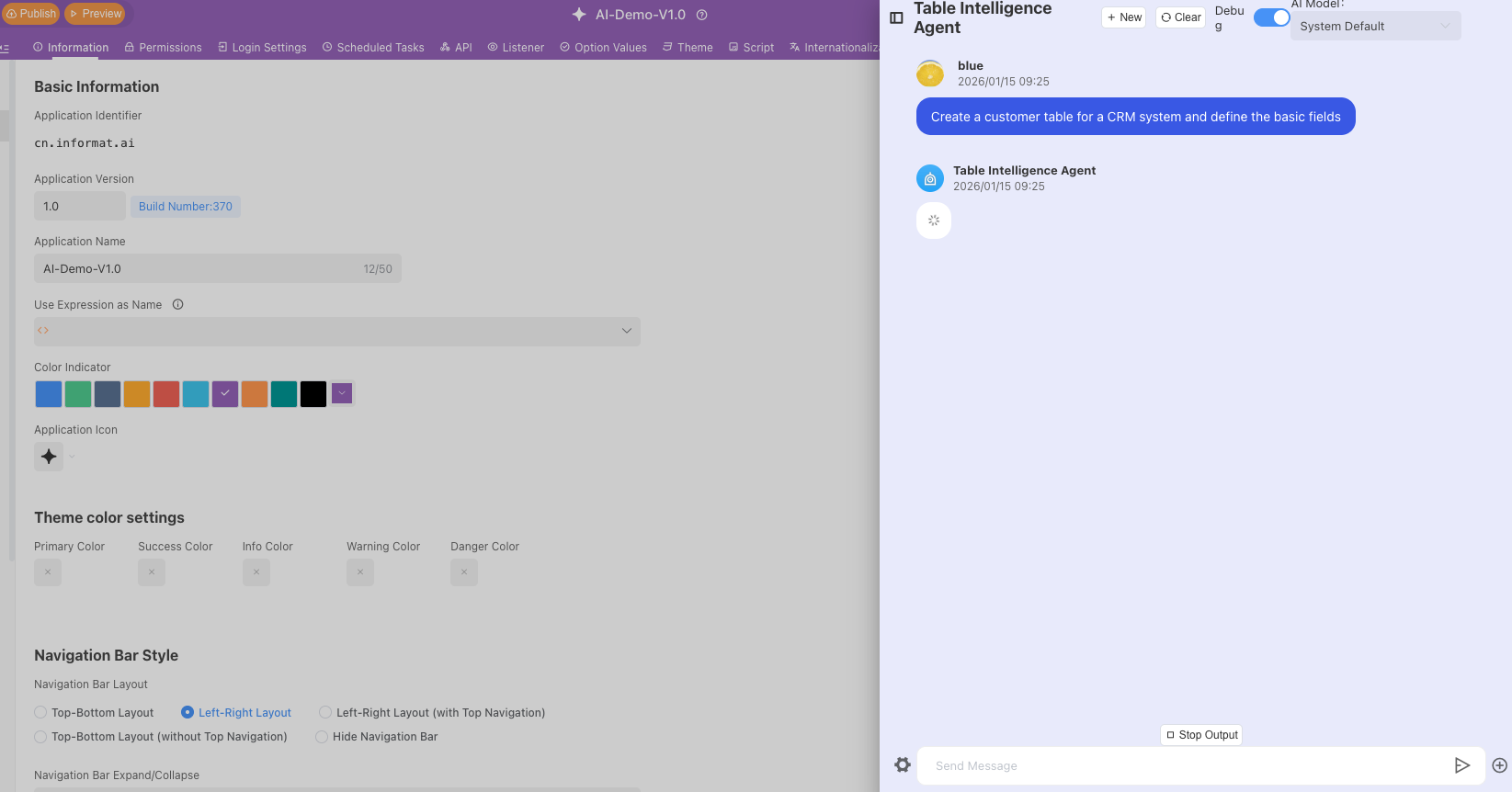
- Add fields by AI inferring application structure
3. Create Tables by Uploading Table Model Images
- Application scenario: In actual development, model tables are generated first. You can quickly create tables by uploading model images through AI
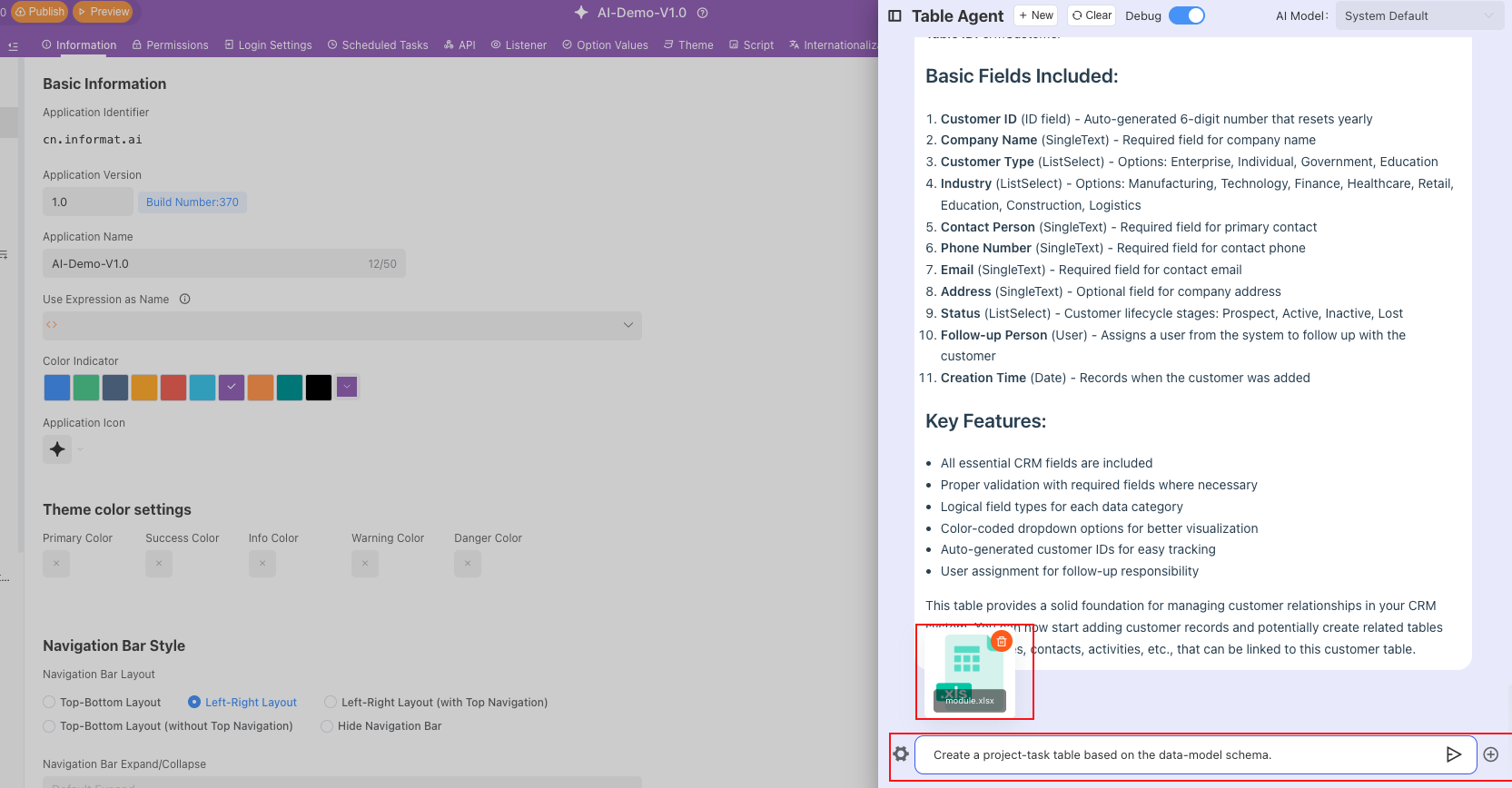
4. Batch Create Tables by Uploading Table Model Excel Files
- Application scenario: The application's table model has been built, and you need to quickly create tables in batches.