

VSCode AI Configuration and Usage
During development, you can use Informat AI capabilities in VSCode to quickly generate code for related business functions, improving coding efficiency.
Plugin Configuration
Taking Lingma (Tongyi Lingma) as an example, here's the VSCode configuration guide:
Search for "Lingma" in the extension marketplace and click Install
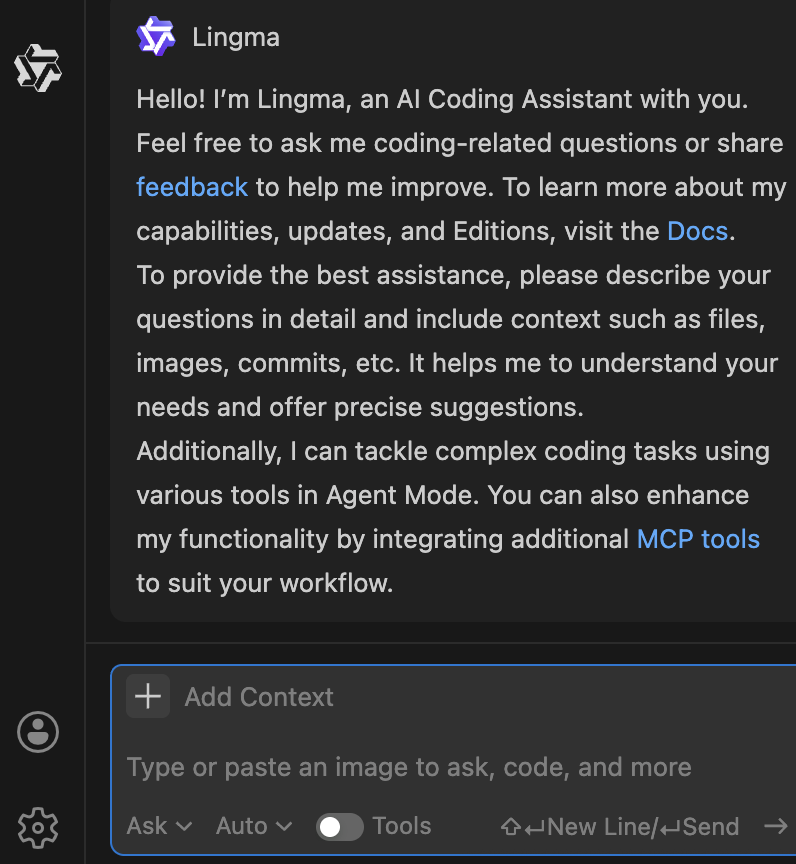
Open Lingma and log in (you can use your Alipay account to log in)
Add Informat AI configuration file to set context File download address: https://repo.informat.cn/downloads/installer/utils/informat.script.md
Copy the Informat AI configuration file to your VSCode configuration directory (customizable, e.g., /aiconfigs) Open VSCode, click the Lingma icon in the toolbar, select "Configuration File", then choose the configuration file you just copied 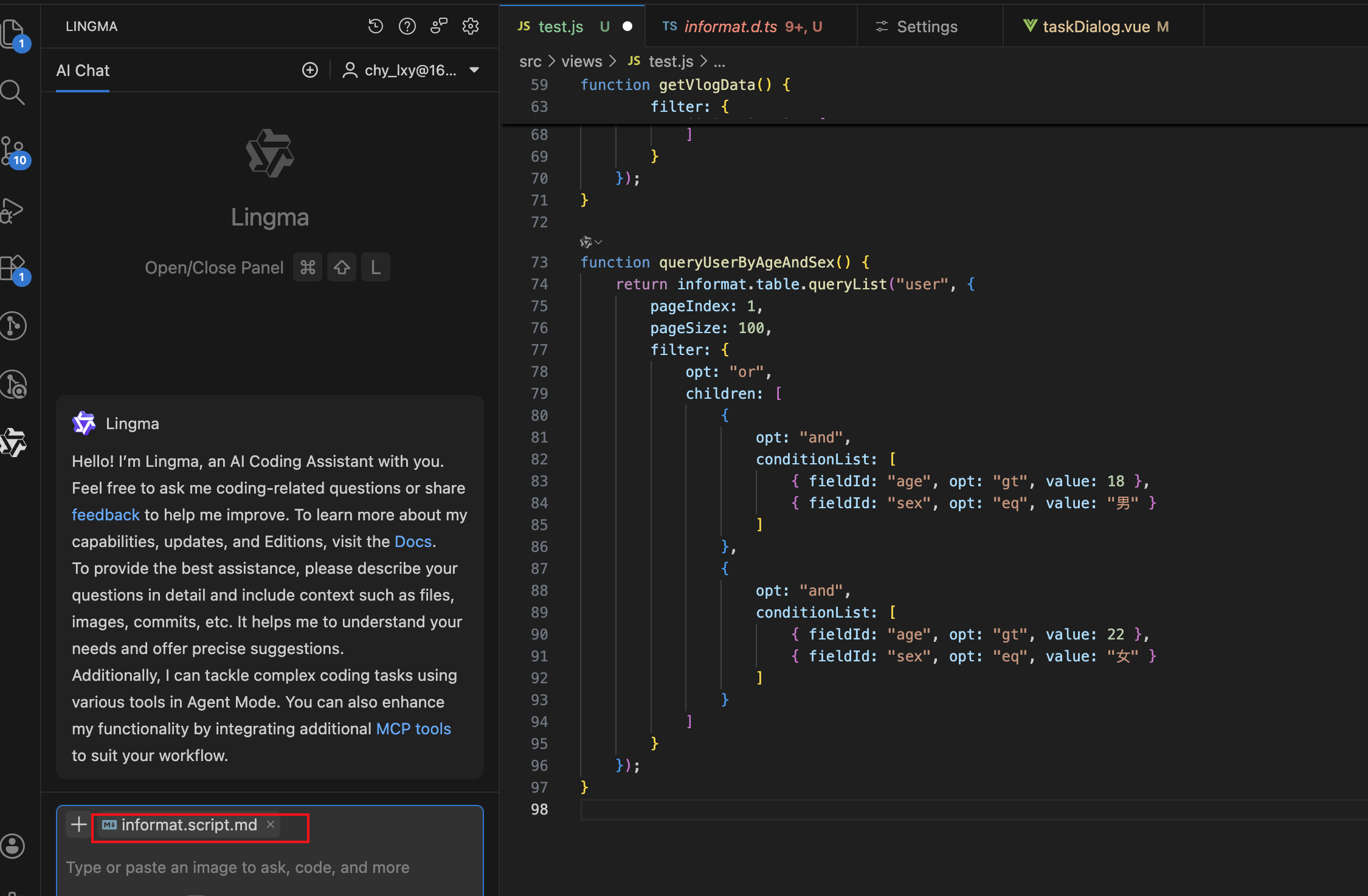
Plugin Usage
Use the plugin to generate scripts: Enter your query, click the Lingma icon in the toolbar, select "Generate Script", wait for completion, and check the result.
Example 1: Generate a complex data table query script 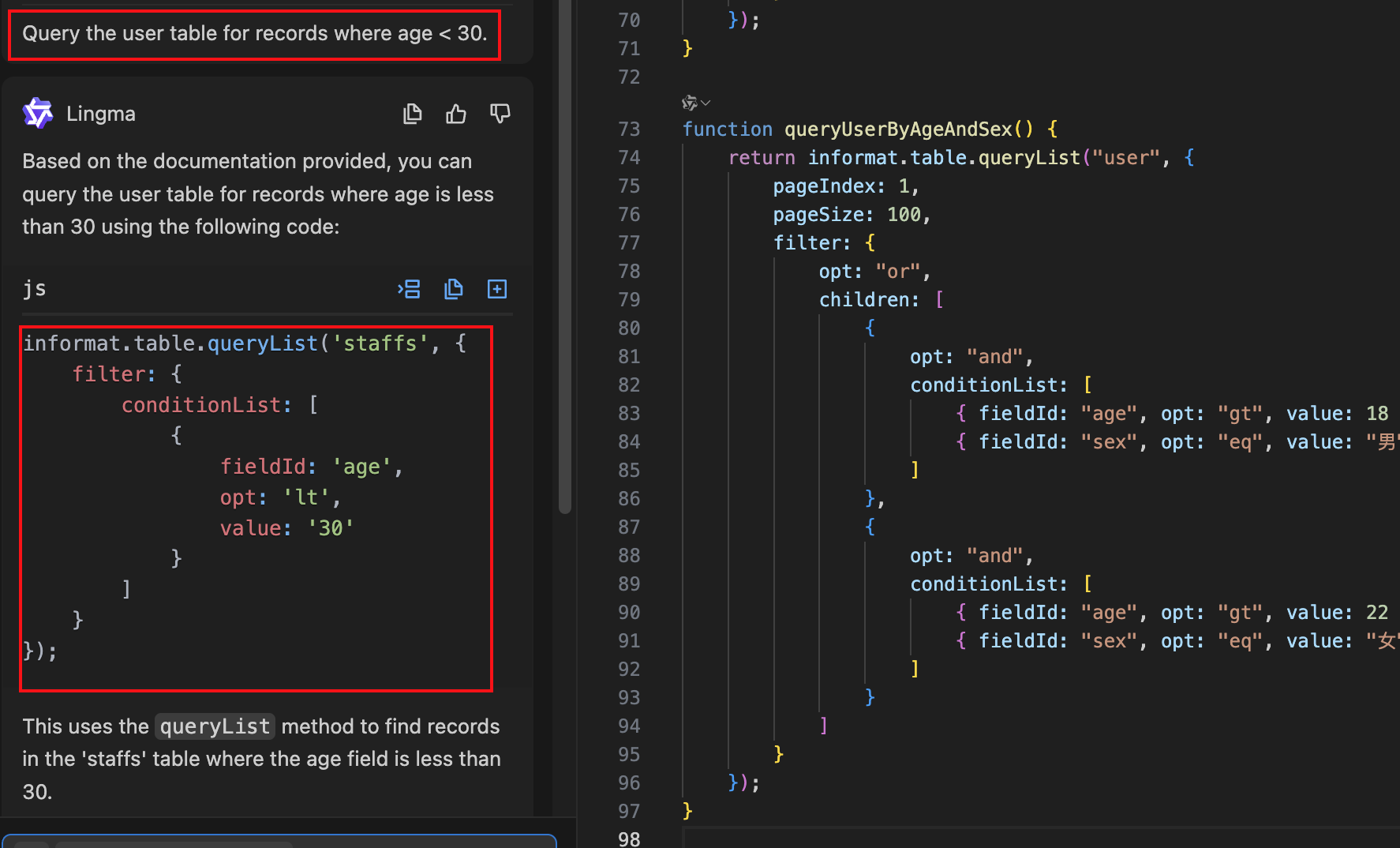
Example 2: Implement a function to download third-party attachments and create a record in the fileTable with attachment name, download address, and attachment content