3.3 Creating the First Table: [Department Table]
Department is the basic organizational unit of employees, so we start with it first. The most core information of a department is its name and a responsible person (department supervisor).
Through the application design module on the homepage, find this application, click the "Application Design Button" in the figure, and enter the application design page.
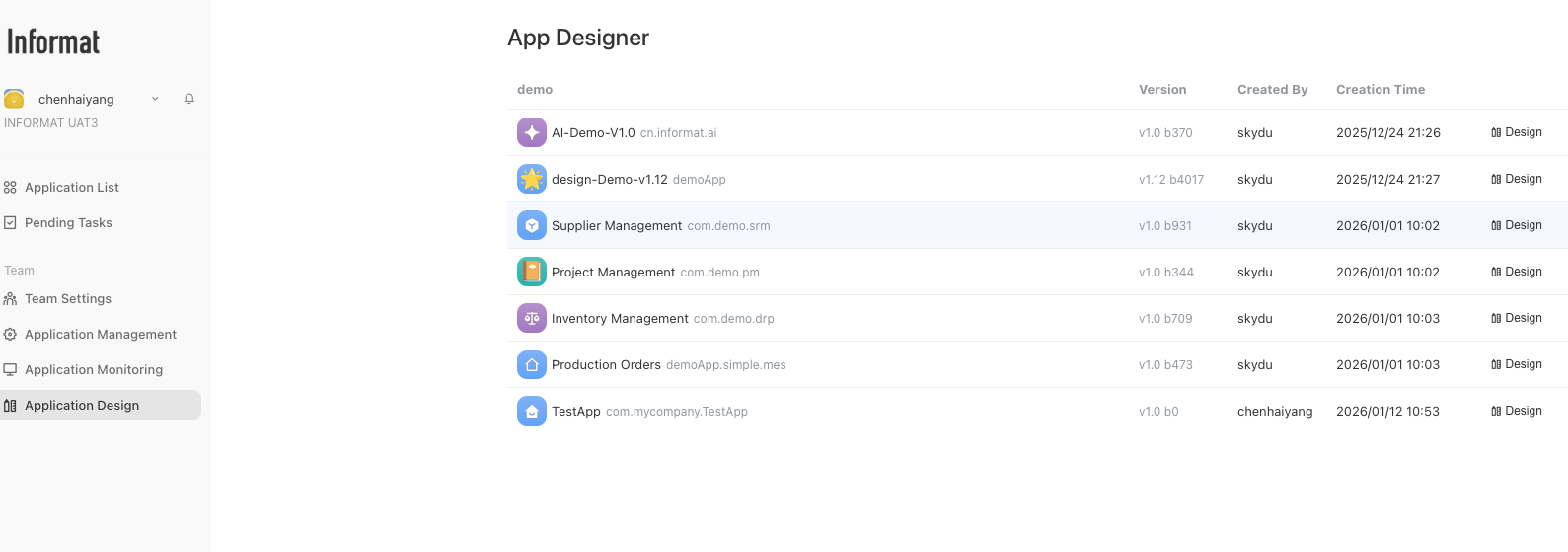
Step 1: Create Data Table
On the application design interface, click the + button on the right side of "Module Settings" in the left menu bar, and in the pop-up menu bar, select the Create Module button.
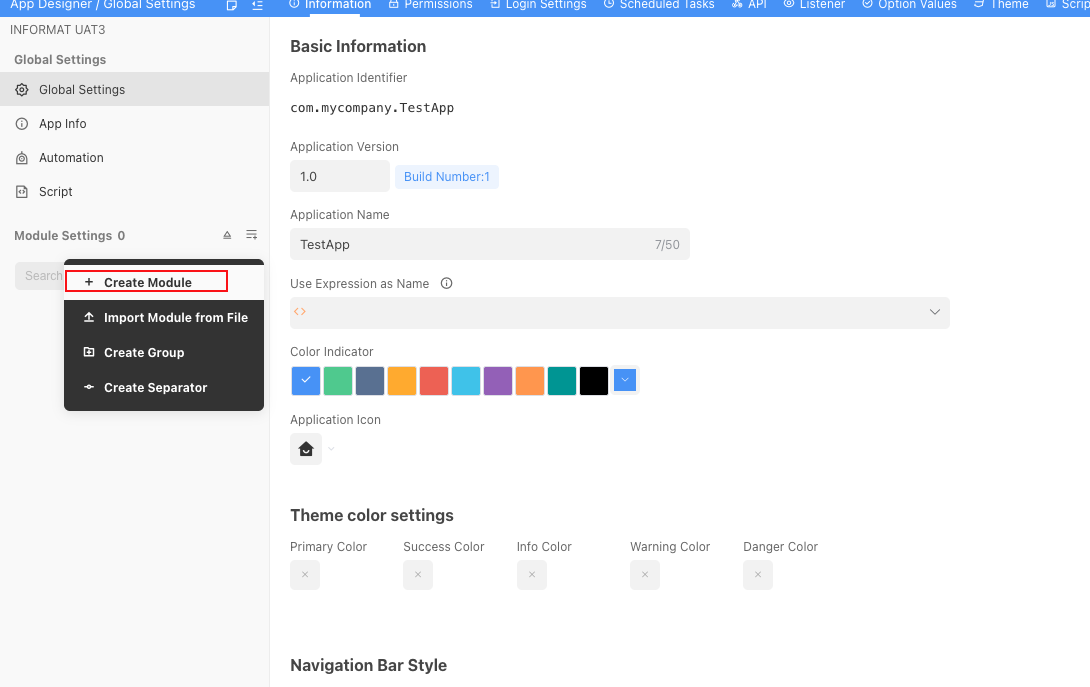
In Informat, all functional components such as data tables, views, dashboards, etc., are uniformly called 'modules'. Therefore, the first step to create a data table is to first create a 'data table type' module.
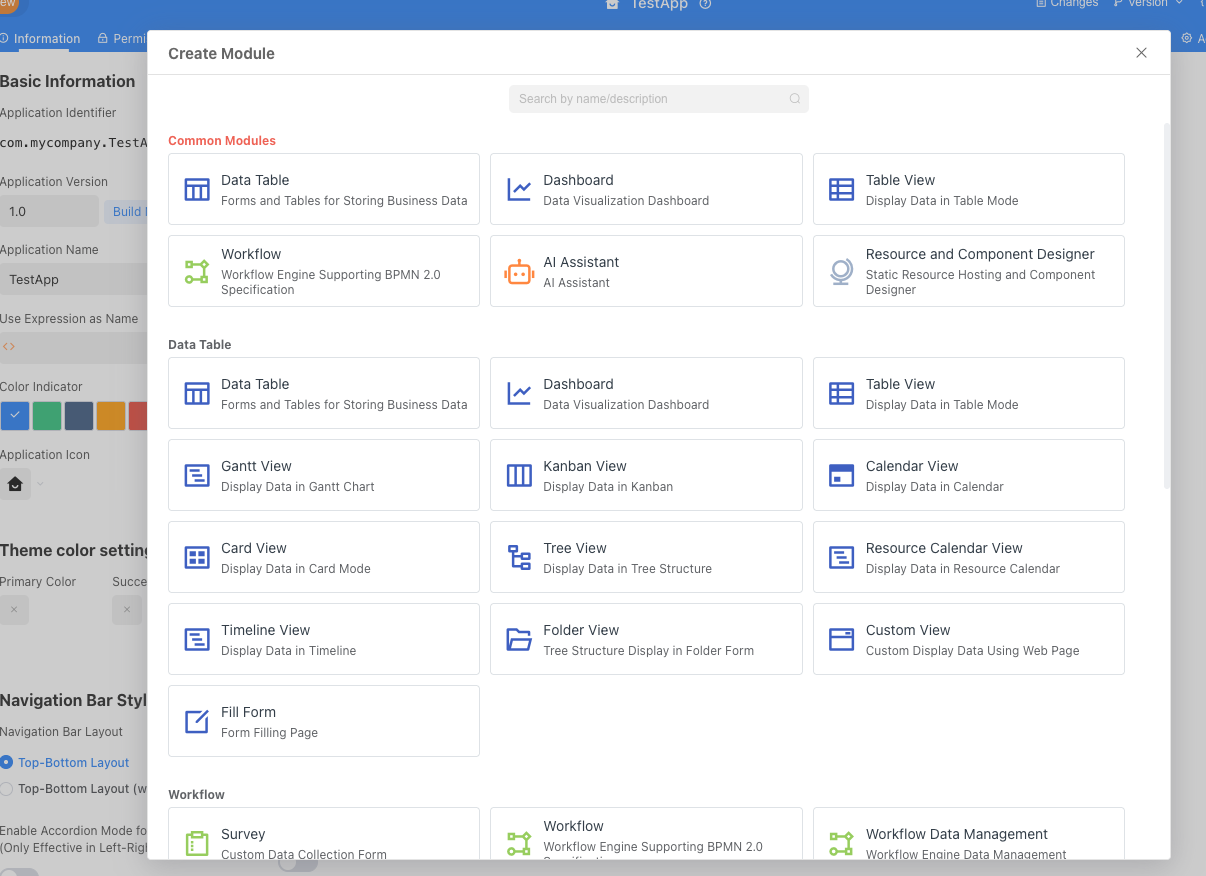
In the pop-up window, find the data table in the common modules and click it.
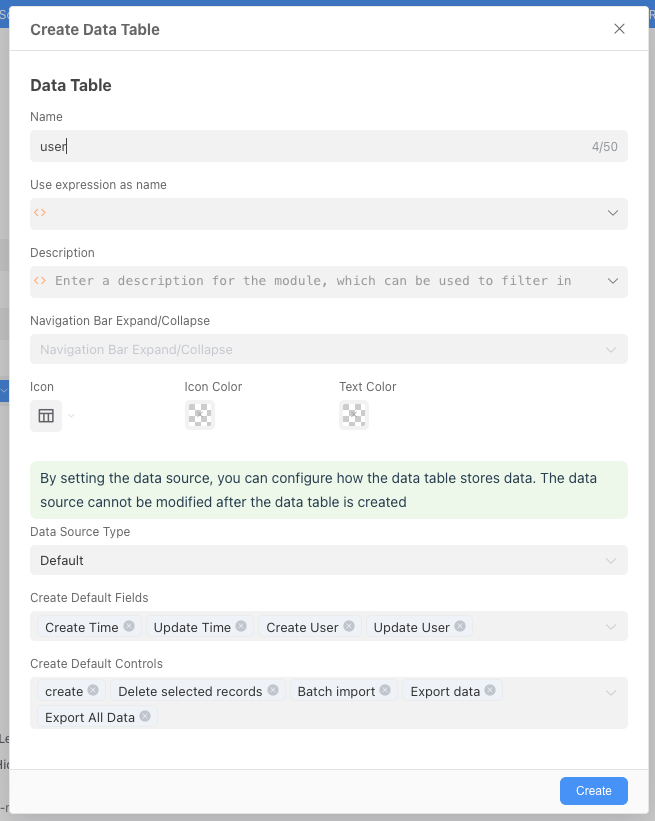
In the pop-up window, enter the data table name:
Department, then click "Create" (keep the default values for other content).