

1.1 Overview
Informat AI Low-Code Platform (hereinafter referred to as Informat) is an enterprise-level low-code platform. In addition to the feature of creating modules through drag-and-drop operations typical of low-code platforms, due to its enterprise-level characteristics, it has incorporated concepts such as expressions, automation, and scripts to support various complex requirement scenarios. Therefore, in terms of usage, users can be divided into three roles: business personnel, product managers, and technical personnel, with different requirements for using the Informat Next platform.
For business personnel, only an understanding of the data table and form, as well as role permission sections of the Informat platform is needed. Business personnel should focus on Chapters 2 and 8 during their learning. When using the platform, they only need to propose requirements such as adding new fields, modifying sorting methods, and modifying form filters according to their actual usage scenarios.
For product managers, the ability to complete the construction of simple systems using the Informat Next platform is required. This means product managers need to be familiar with the process of building systems using low-code and understand various functions in the platform, including expressions and automation. Product managers should pay attention to Chapters 2, 3, 4, 5, 6, 8, and 9 during their learning. Mastering these contents will enable them to independently complete the construction of a simple system.
For technical personnel, the ability to build a production-ready business system using the Informat Next platform is required. In addition to implementing some basic functions, they need to be able to construct models for complex systems, consider the performance of functions, and have the ability to extend functions using scripts. It is recommended to first learn Chapters 2 to 9, which are the basic functions for building with the platform. Some functions like API and scheduled tasks can be learned when needed.
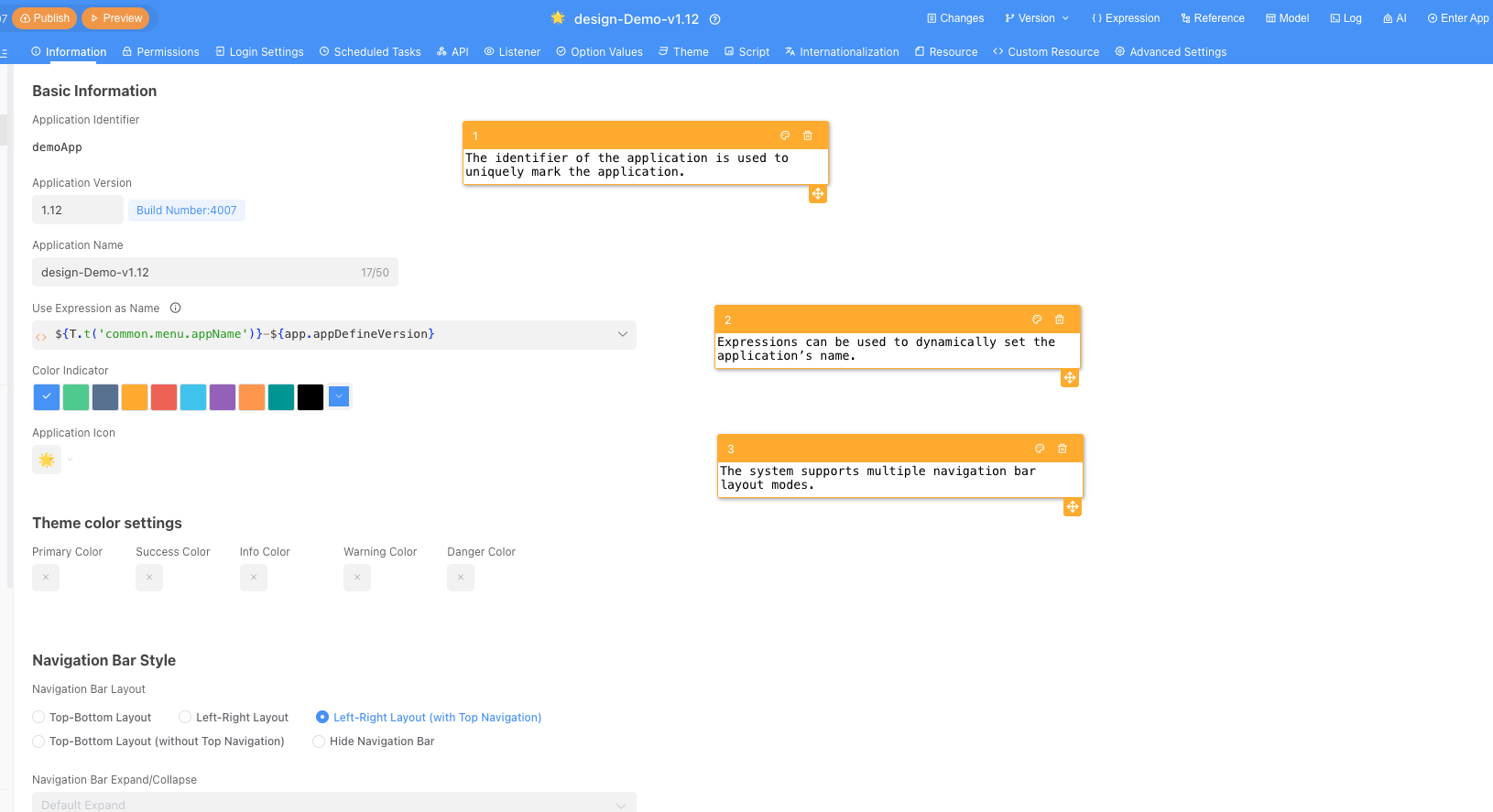
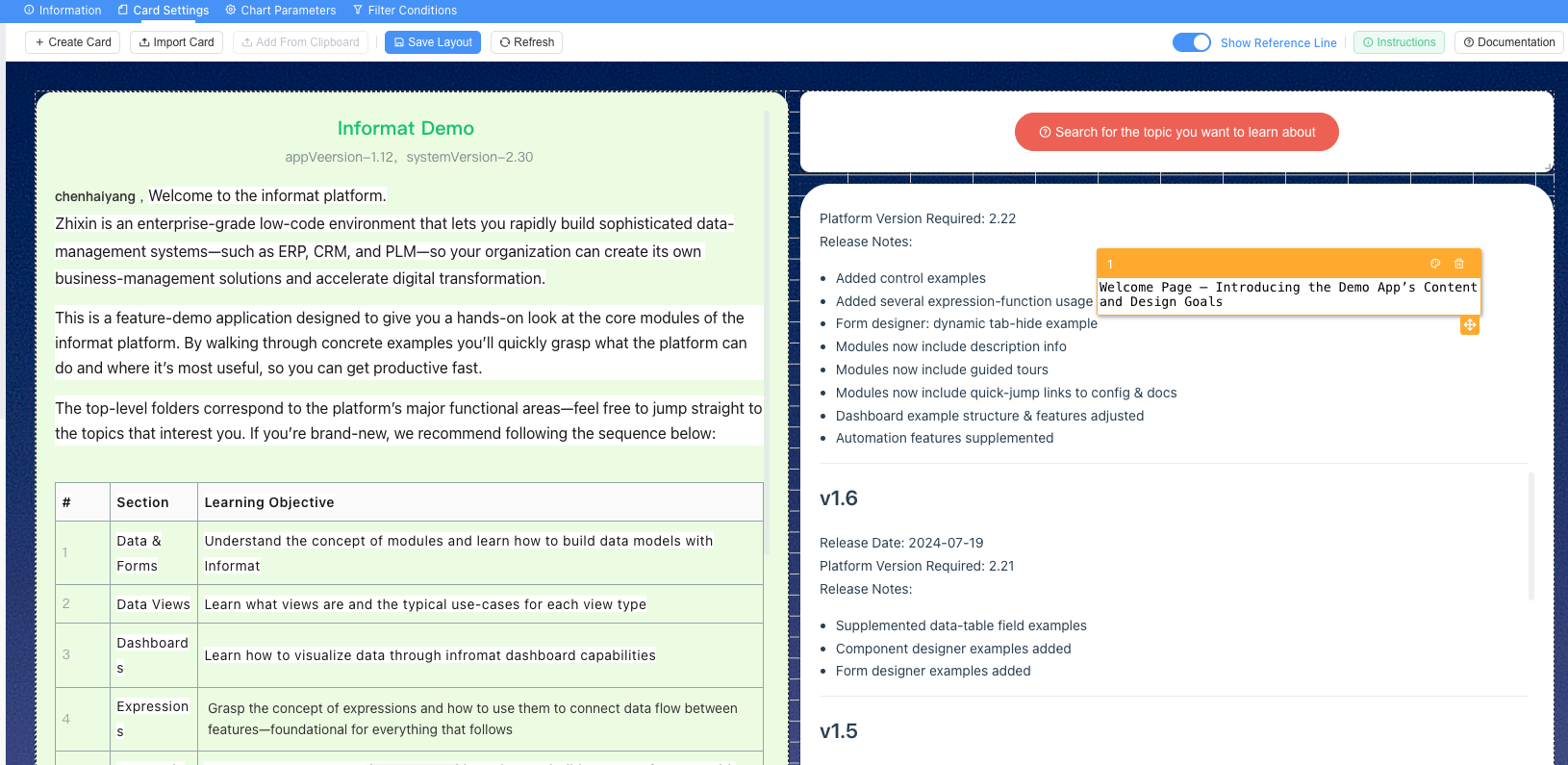
In Informat Next, the user end and design end are separated. The application design end, also known as the application designer, is where configuration is carried out. After completing the configuration, it needs to be published before it can be used on the application user end. Therefore, Informat Next supports exporting the current version of the application as a package, supports installation, deployment, and version upgrade using installation packages, and controls the application version through such methods.
Application Designer:
Application User End:
Based on this feature, we recommend preparing three environments when using Informat Next in production: development environment, test environment, and production environment. It is recommended to develop applications in the development environment, then import them into the test environment for functional testing through application packages. After testing passes, install or upgrade in the production environment through application packages. The application design can be disabled in the production environment to ensure the stability of the application in the production environment. To solve problems encountered when switching between different environments, we also provide environment variable functions.